os8088 / Real Machines
On real hardware
From the floppy to the screen.
Photographs and video of os8088 running on real machines, from an IBM 5150 to two Toshiba laptops, an Epson Equity I+, a Compaq Portable III, a Packard Bell 286 laptop and desktop, a Book8088 and other 286 PCs. See the desktop on monochrome monitors, LCDs, an orange plasma screen, VGA screens, and a Pentium II laptop at 1024x768 -- and full-screen video on a 286, and on the 5150 with its sound from the PC speaker.
IBM 5150
The 1981 IBM Personal Computer, an 8088 at 4.77MHz. Booted from a 360K floppy in its Tandon drive, onto an IBM 5151 monochrome monitor through a Hercules GB101 card, at 720x348.
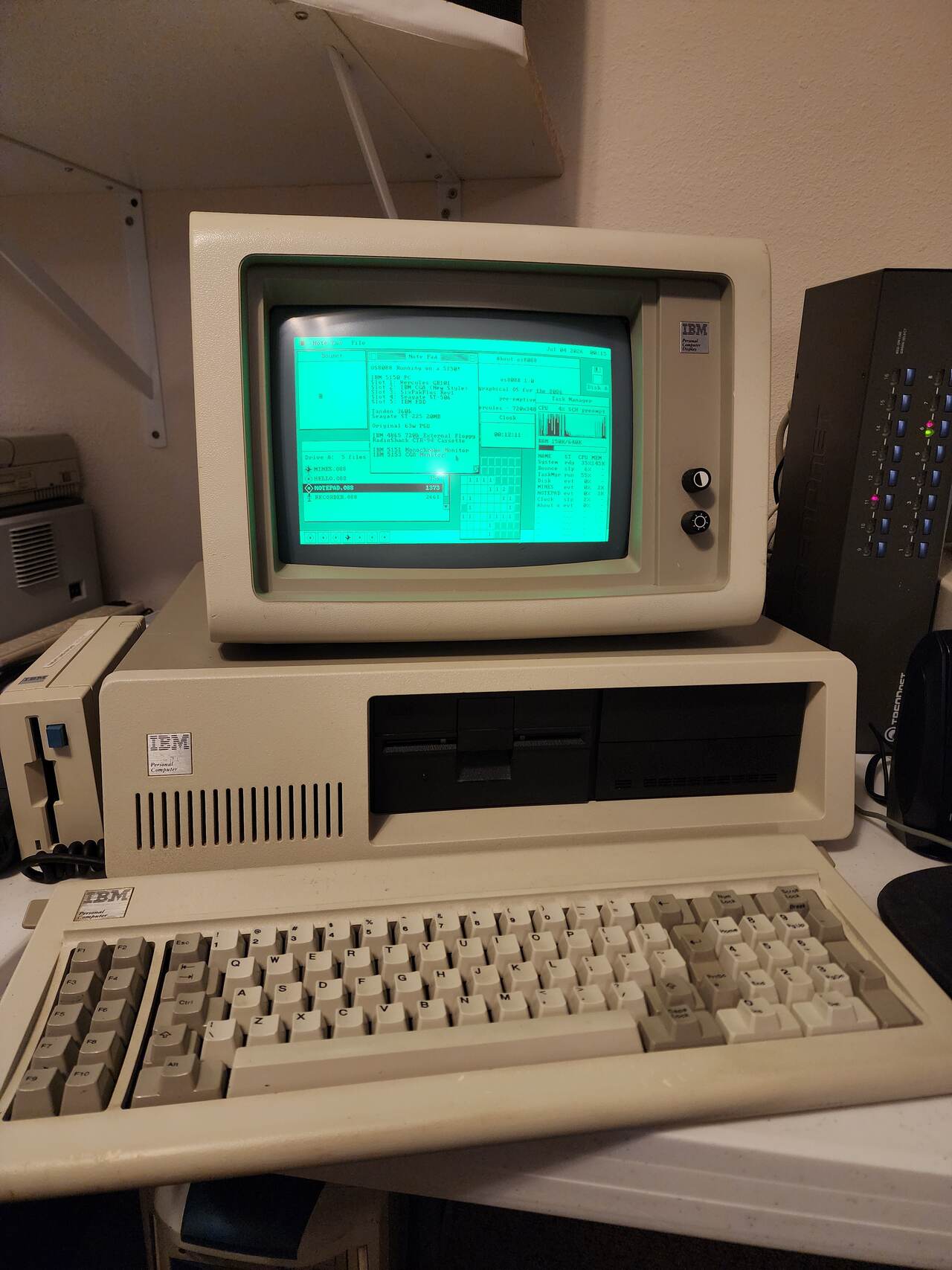
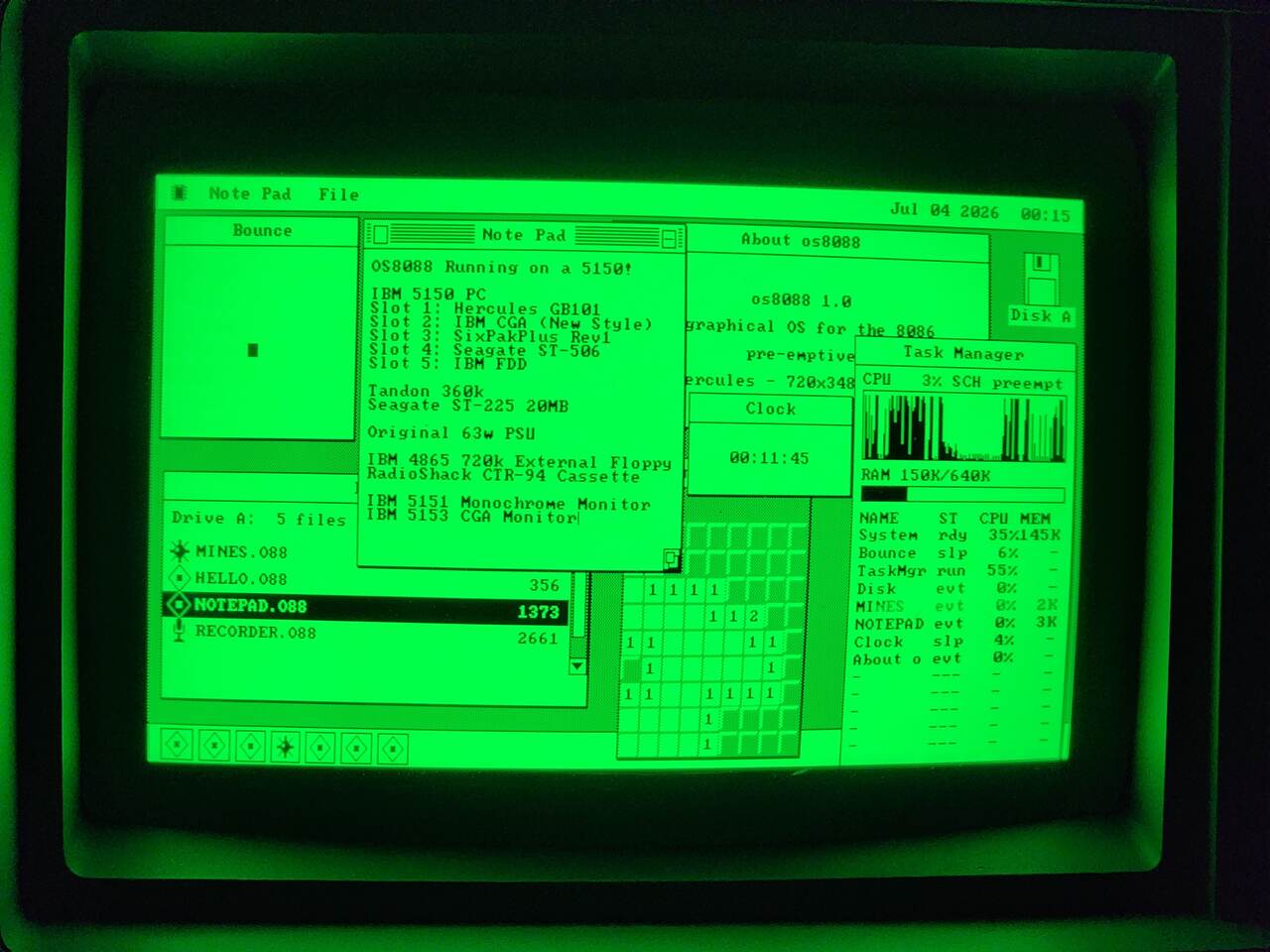
Hercules - 720x348, and the Task Manager reads 3% with six programs
open.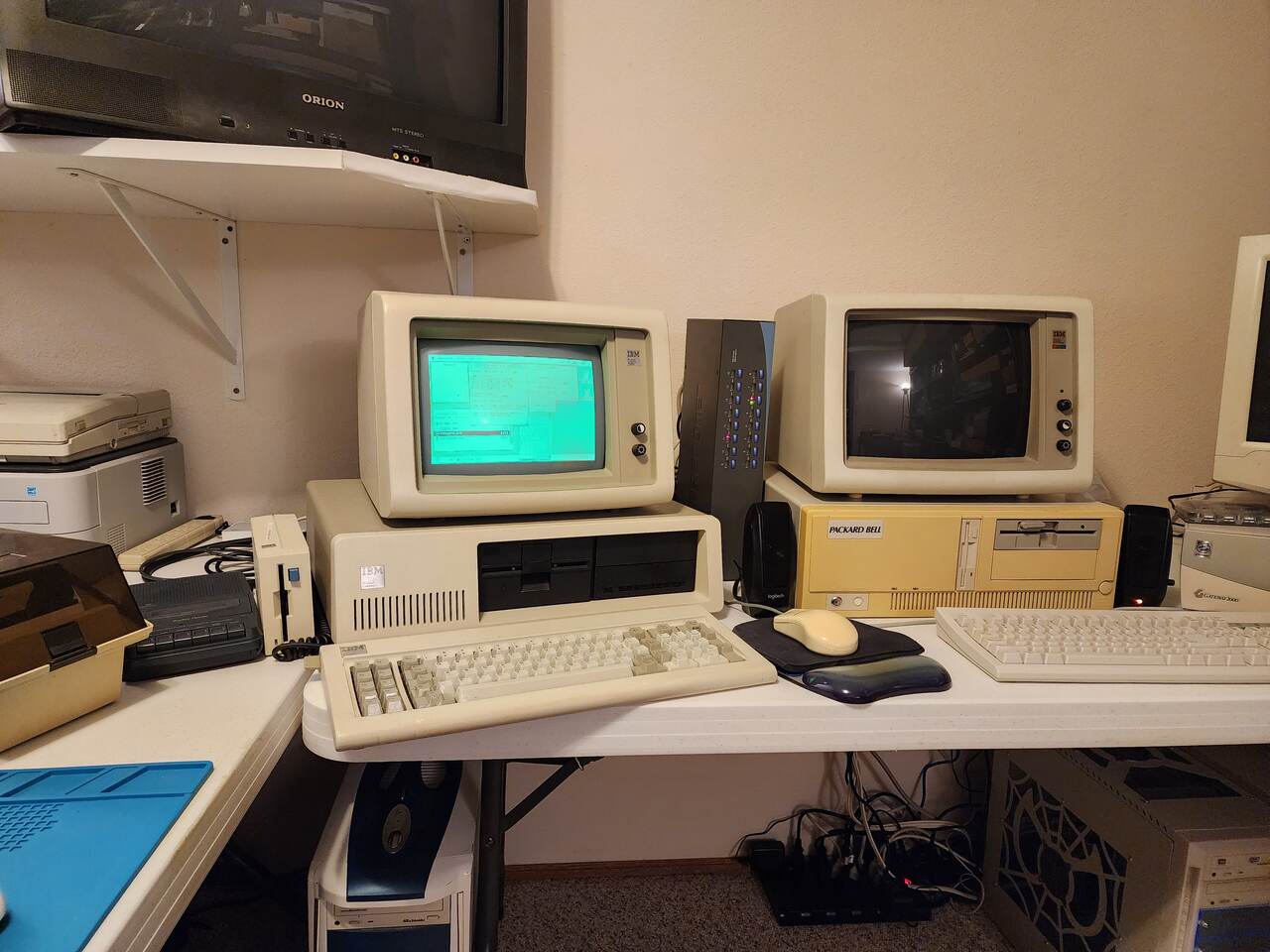
IBM 5150, on two screens
A 5150 again, this time with both of its display cards in use: Hercules on an IBM 5151 and CGA on an IBM 5153, joined into one desktop across the two monitors. There is no sound card. The Video Player plays the soundtrack through the PC speaker, switching it on and off faster than the cone can settle, and that alone takes about 70% of the processor. Drawing frames and reading ahead off the hard disk into 640K of RAM share the rest; a frame that is not finished in time is cut.
- CPU
- 8088, 4.77MHz
- hard disk
- Seagate ST-225, 20MB
- sound
- PC speaker, 6500Hz
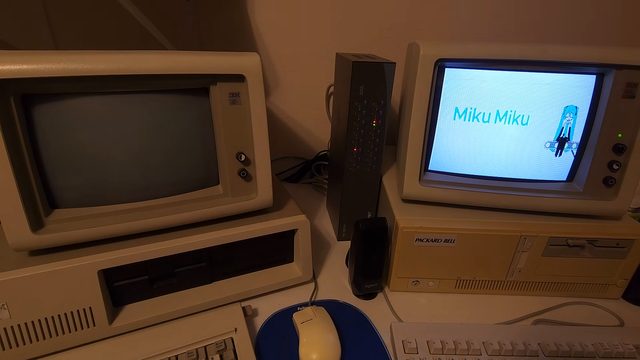
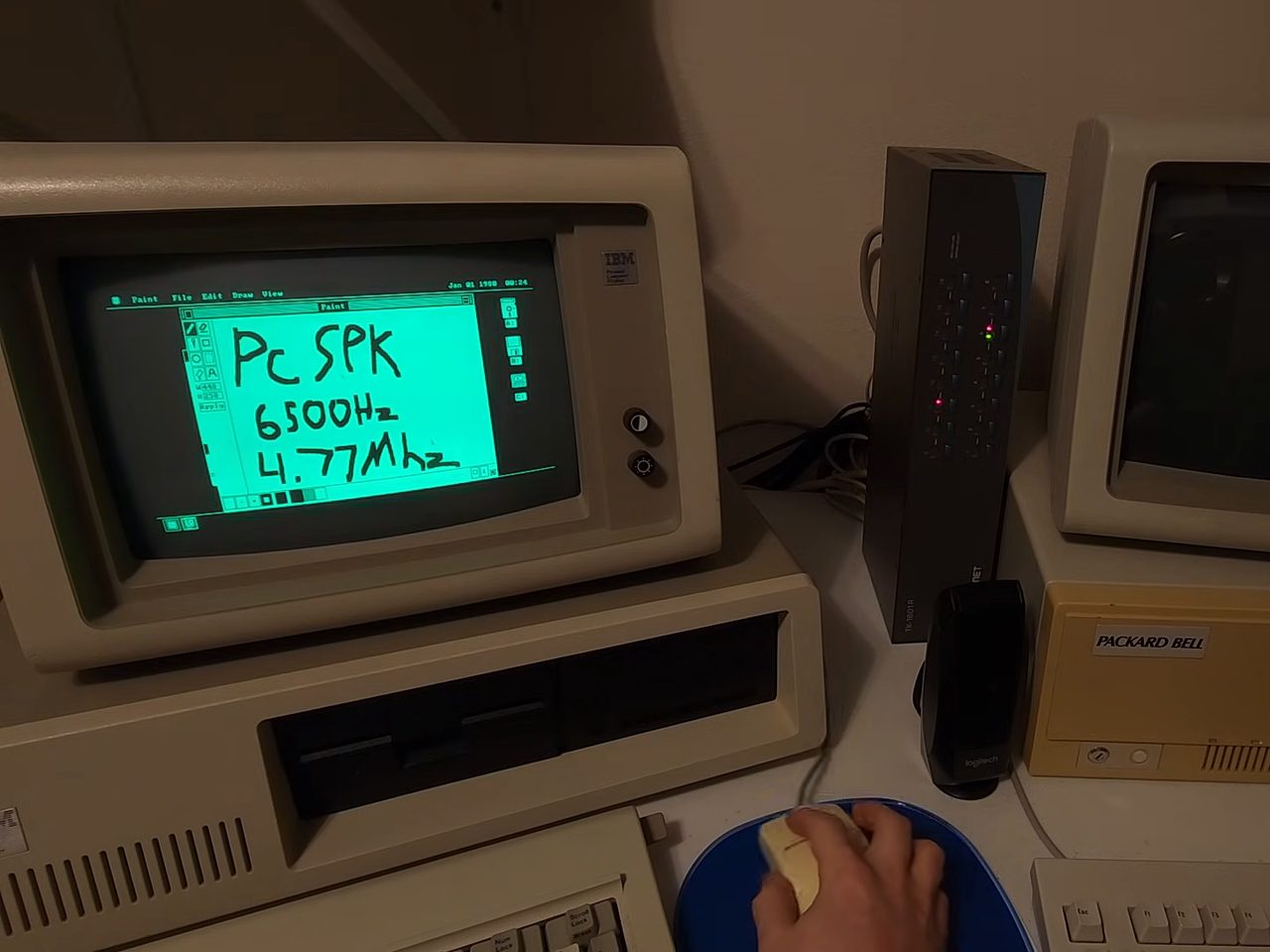
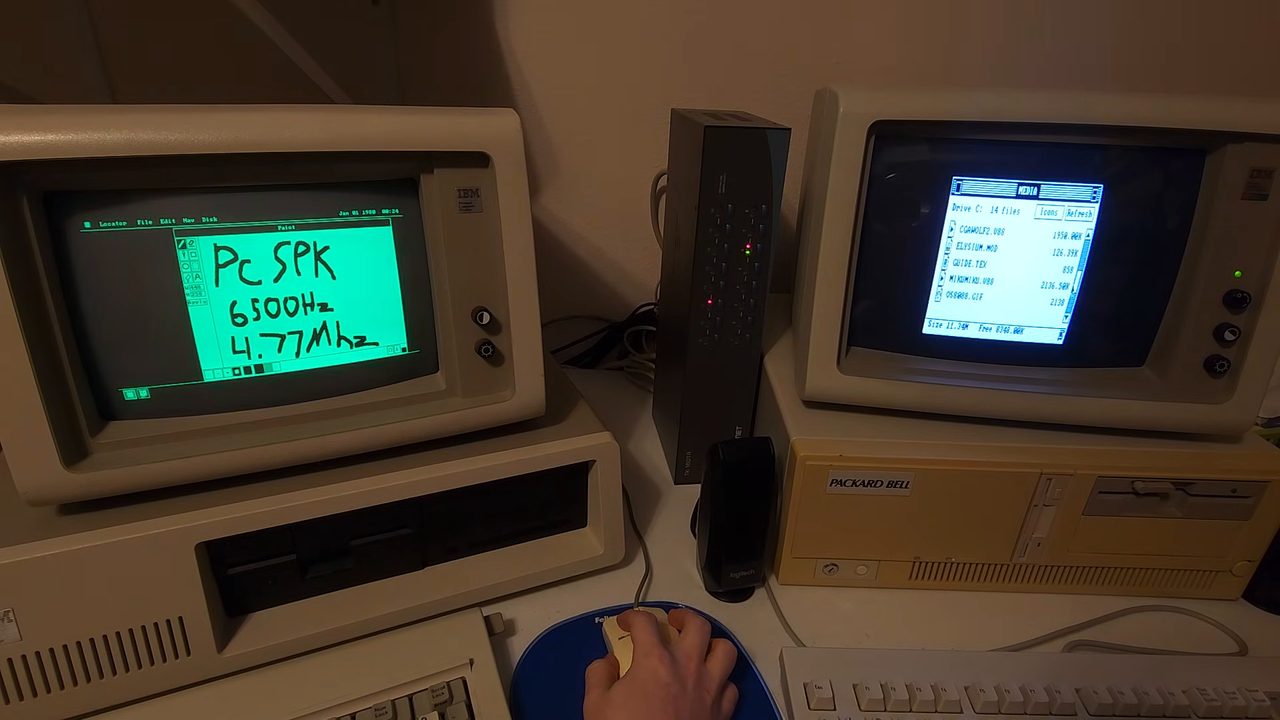
MIKUMIKU.V88 in it. Still from the video by AcornsN64.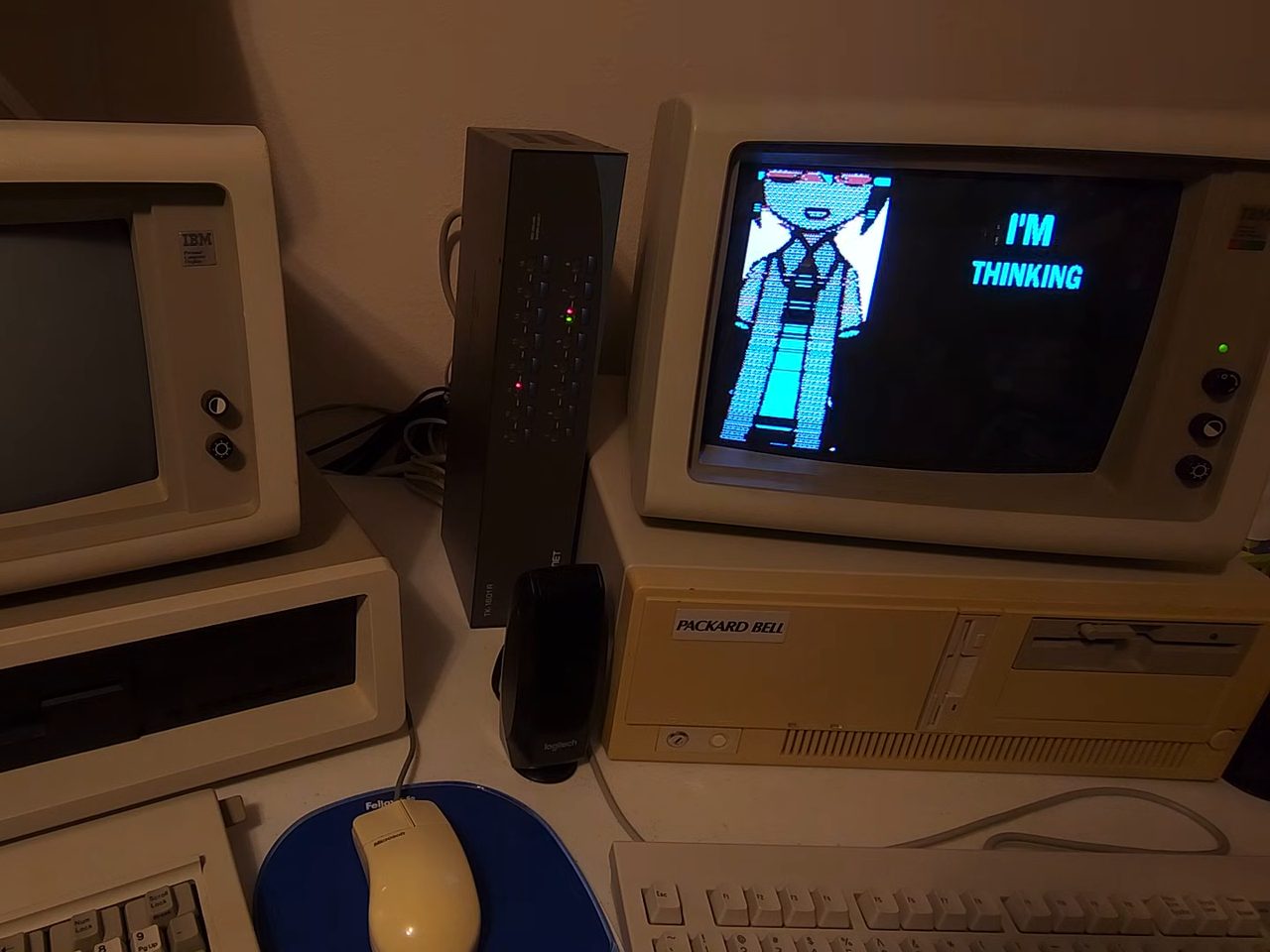
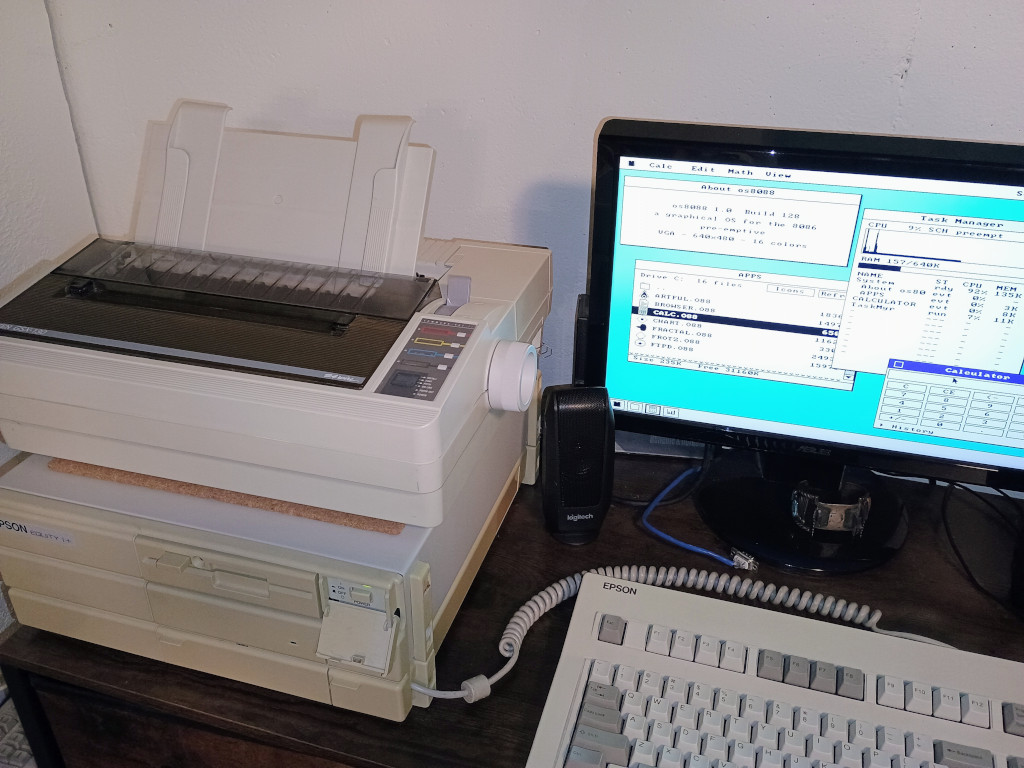
Epson Equity I+
An Epson Equity I+ 8088 computer from 1989, running os8088.
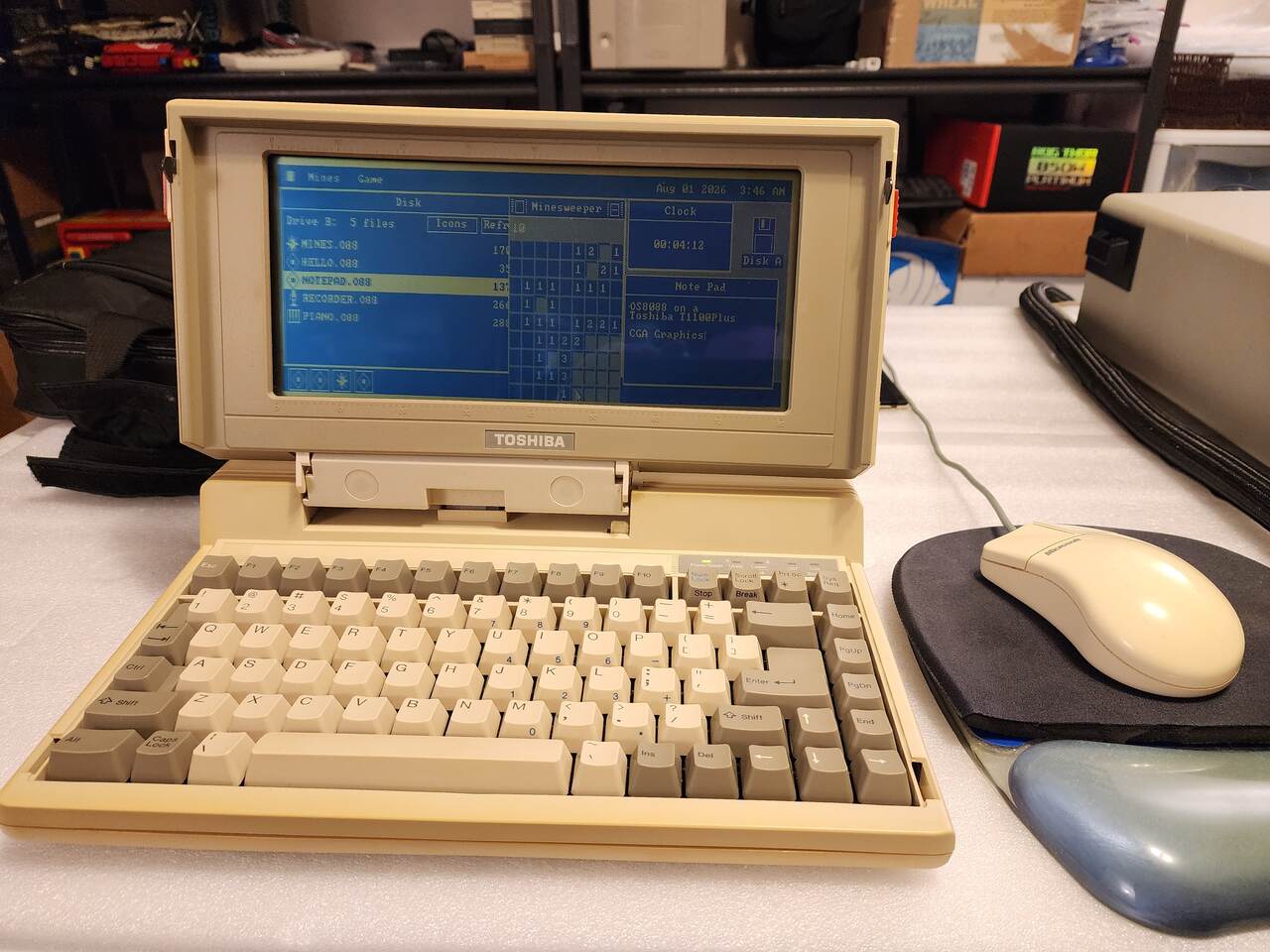
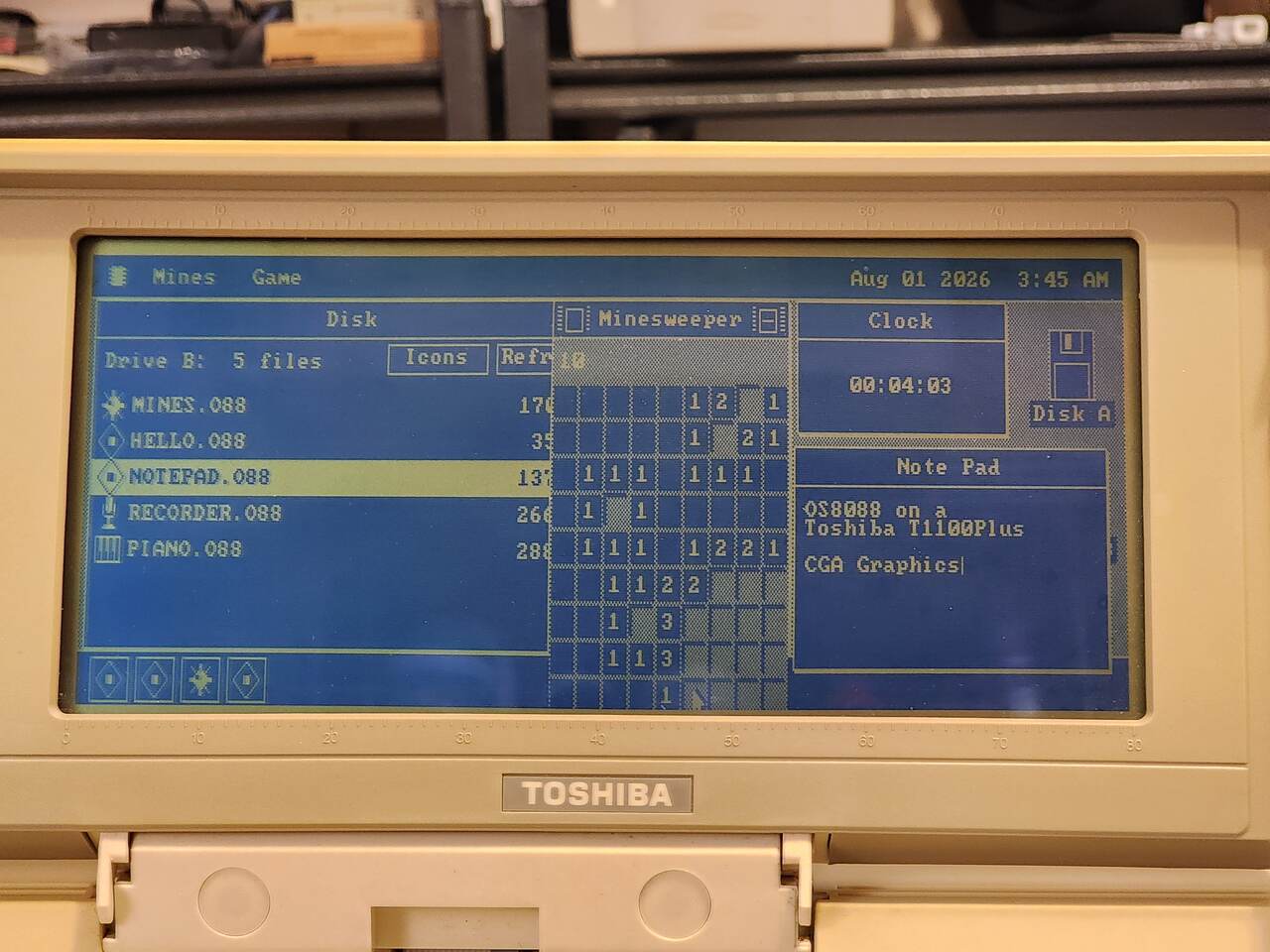
Toshiba T1100 Plus
A 1986 laptop with an 8086 at 7.16MHz and a blue LCD, running the CGA driver at 640x200. The 360K images were written onto 720K floppies to get them in.
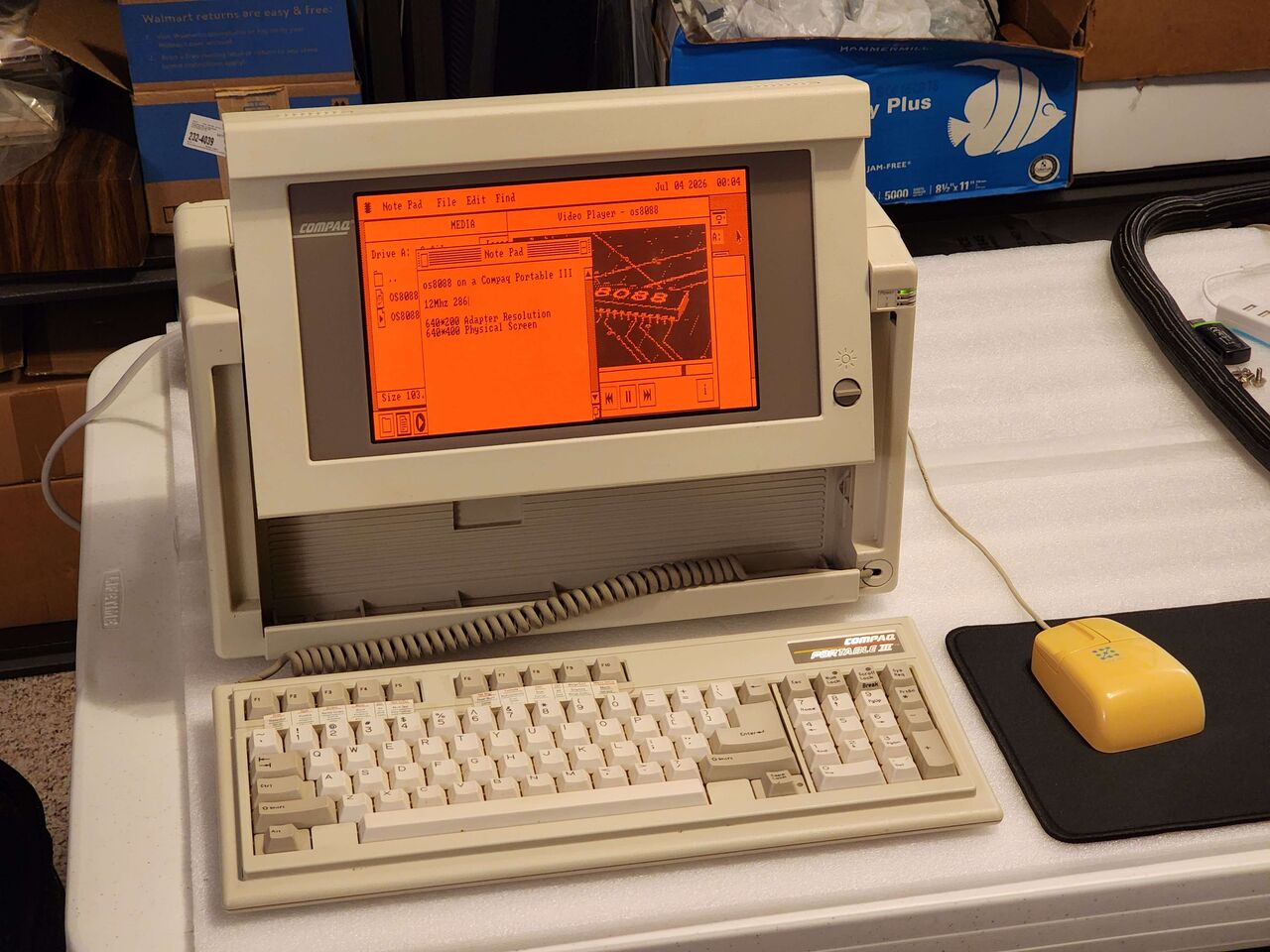
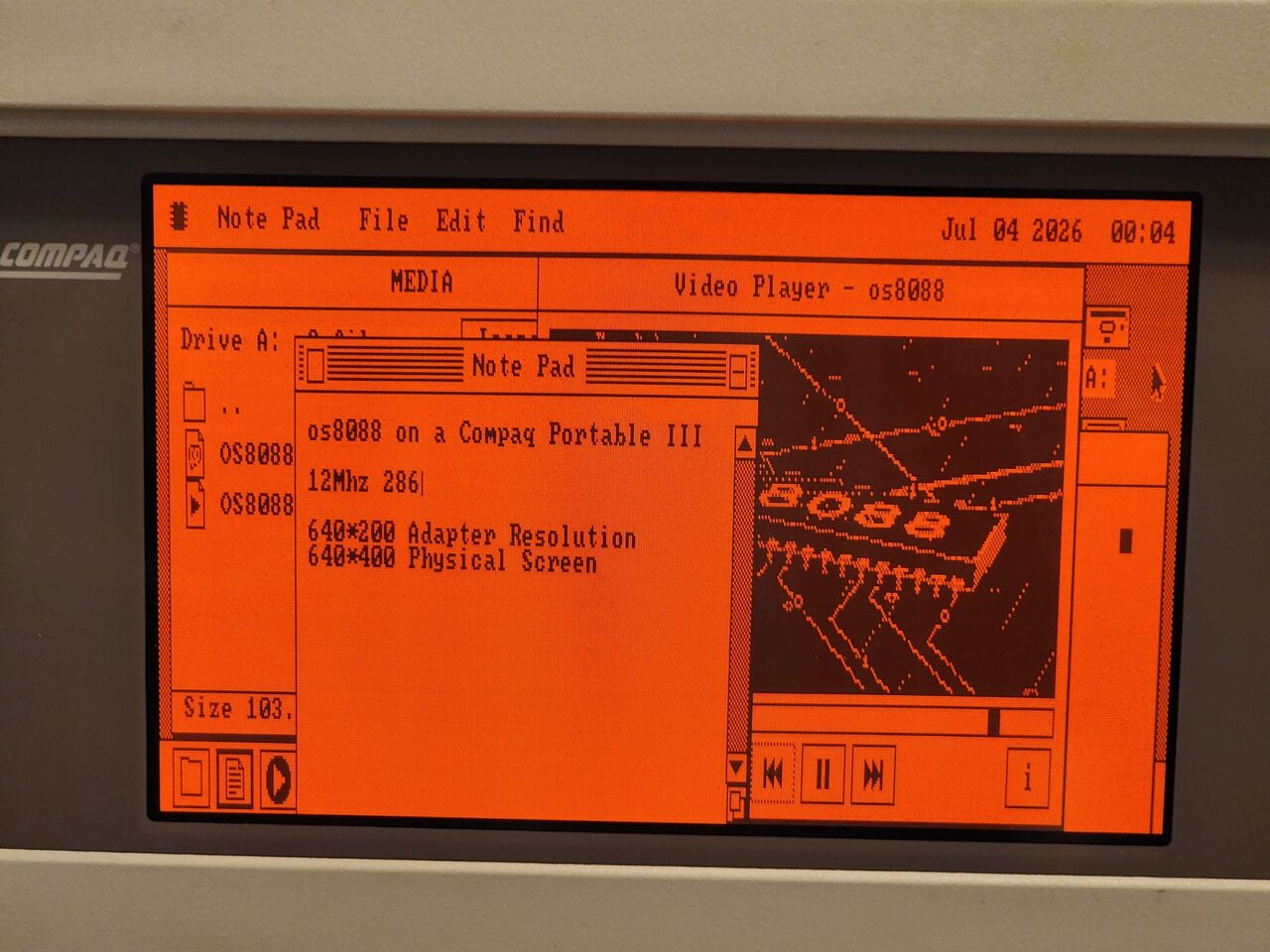
Compaq Portable III
Compaq's 1987 portable: a 286 in a case with a carrying handle, and an orange gas-plasma screen where the Toshiba has a blue LCD. Behind the plasma is a CGA adapter, so os8088 runs its CGA driver here too, and the display draws each line twice to fill the panel. The desktop gets the Toshiba's half-height windows, on twice the scan lines.
- CPU
- 80286, 12MHz
- adapter
- CGA, 640 x 200
- screen
- orange plasma, 640 x 400
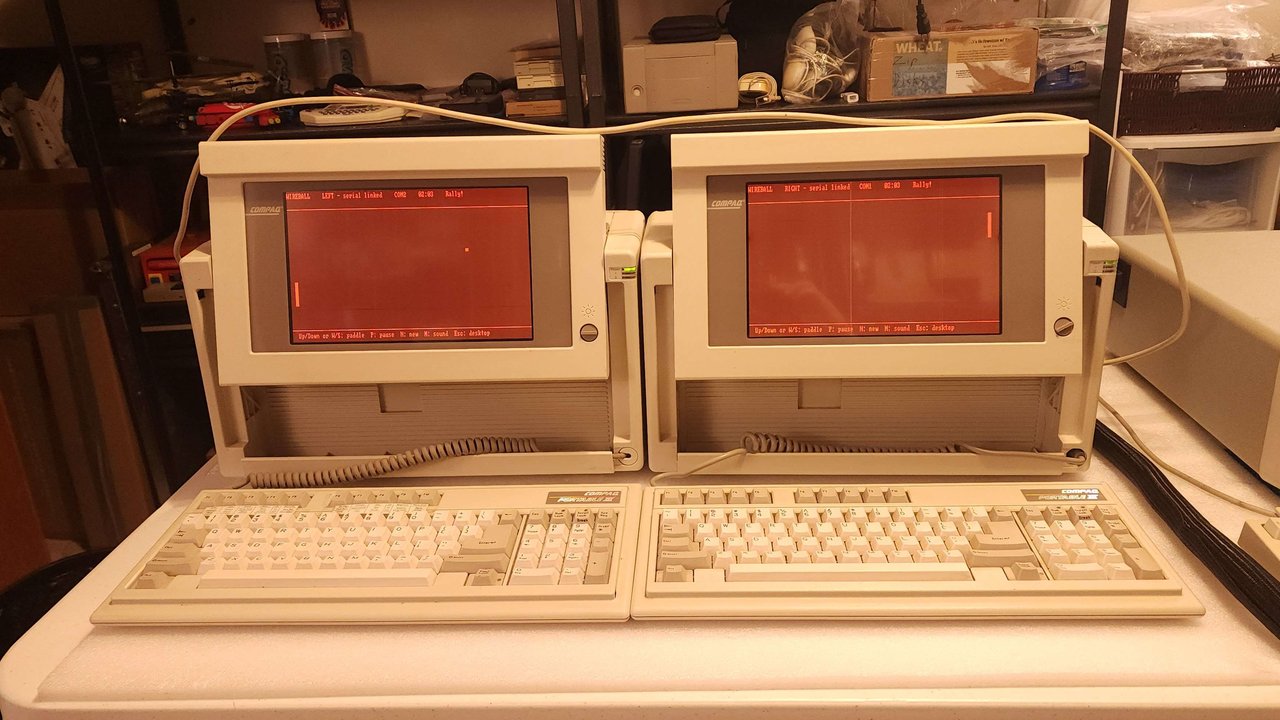
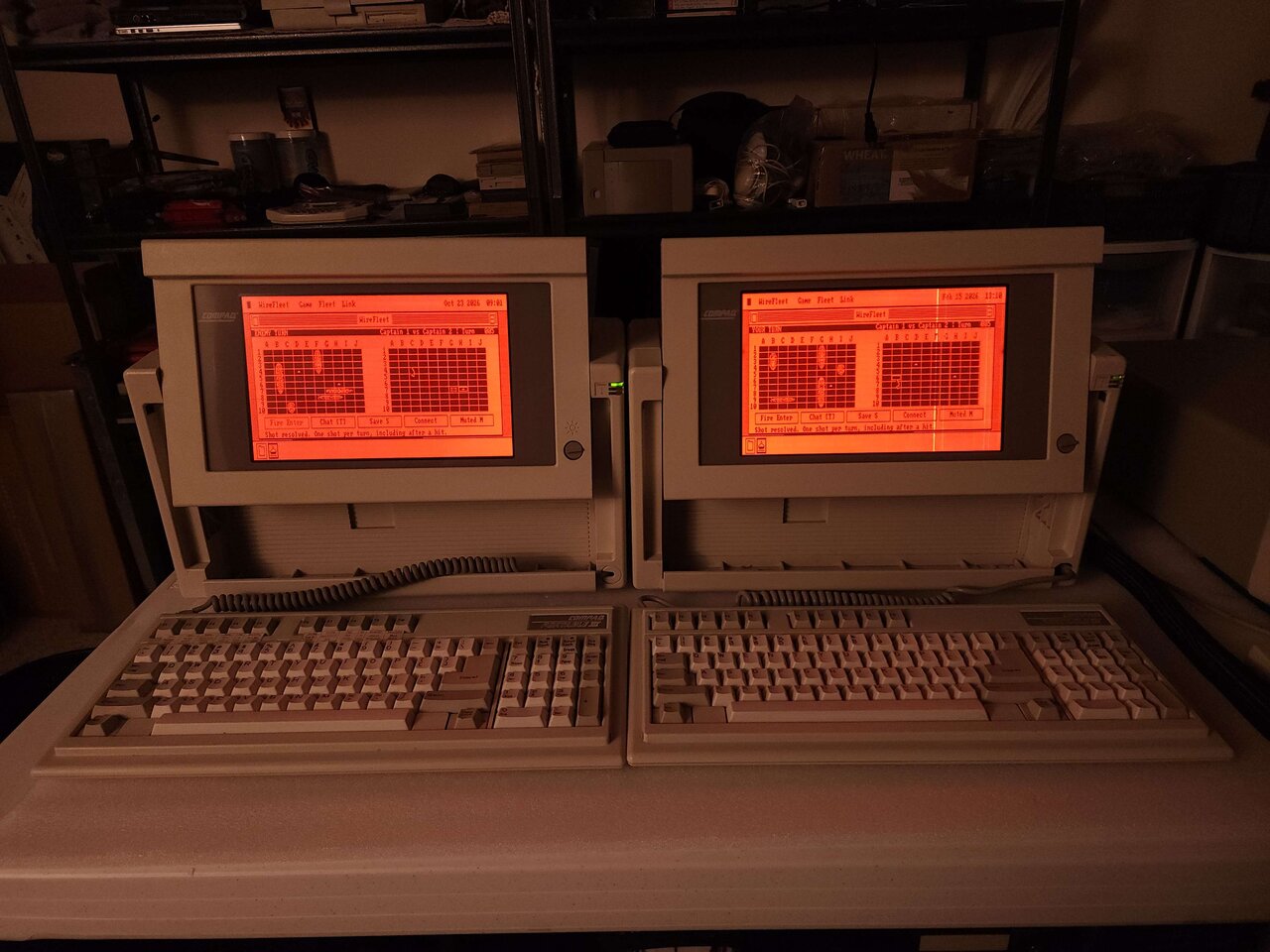
![Two beige Compaq Portable IIIs side by side on a white table, screens raised and keyboards in front on coiled cords. Both orange plasma screens show the WireFleet window on the os8088 desktop, under a menu bar reading WireFleet, Game, Fleet and Link. Each window has two 10 by 10 grids: its own fleet of five ships on the left, and a few marked shots on the enemy grid on the right. The left screen reads ENEMY TURN and Captain 1 vs Captain 2, Turn 005, with Oct 23 2026 09:00 in the menu bar. The right one reads YOUR TURN at the same turn, with Feb 15 2026 13:09, and a bright vertical line runs down its panel. Under the grids on both: Fire Enter, Chat [T], Save S, Connect and Muted M, and the line Shot resolved. One shot per turn, including after a hit.](/img/hardware/compaq-portable-iii-wirefleet@2x.jpg)
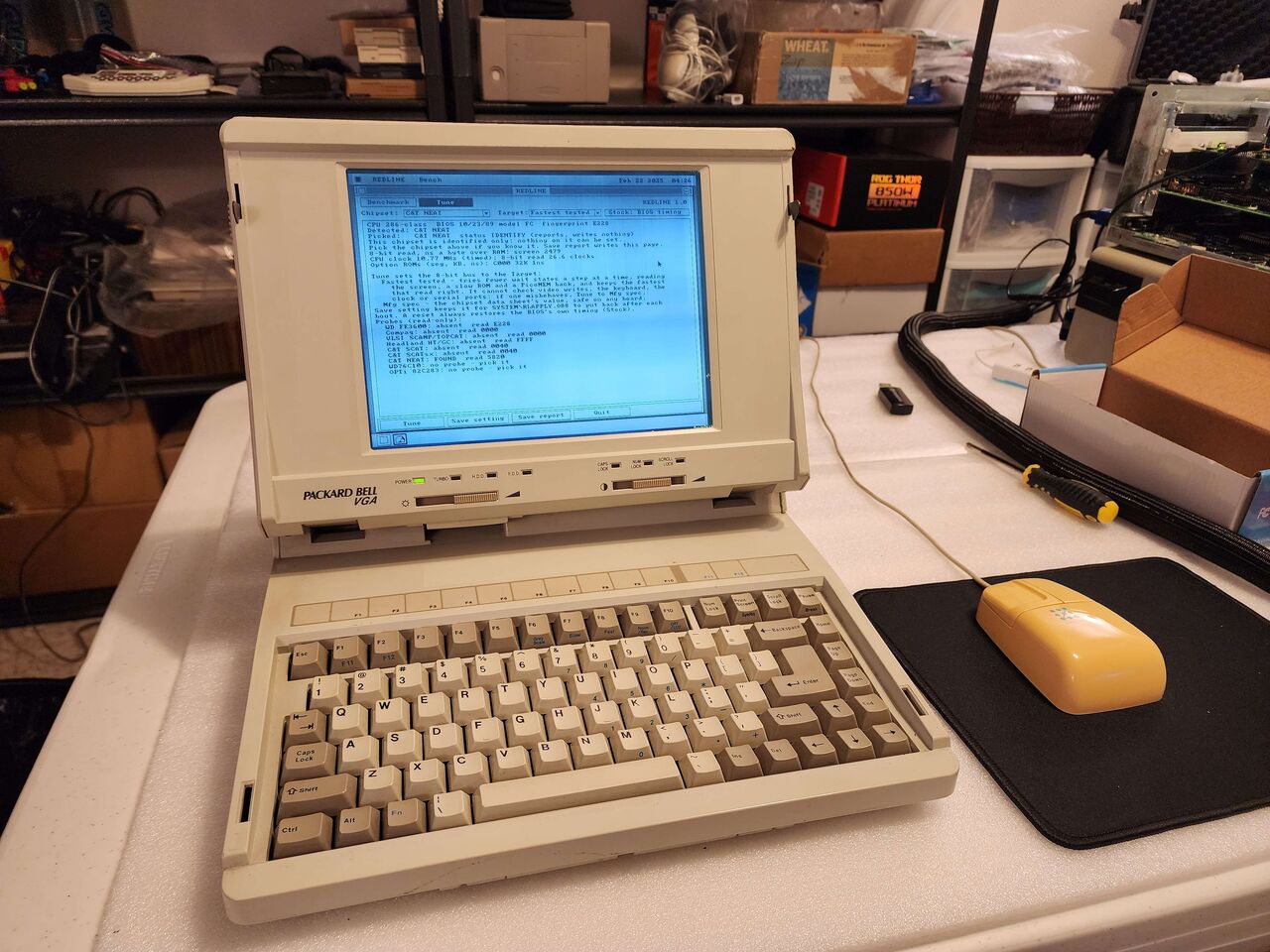
Packard Bell PB286LP-VGA
Packard Bell's first laptop, the PB286LP, came out in 1988 with a CGA screen, 1MB of RAM and one ISA slot. This is the April 1990 revision, which doubled the RAM and put VGA behind the same monochrome LCD -- enough for os8088's full desktop, where the Toshiba gets half its height.
- CPU
- 80C286, 12MHz
- RAM
- 2MB
- chipset
- C&T NEAT
- BIOS
- 10/23/89, model FC
- screen
- mono VGA LCD, 640 x 480
- weight
- 16lb
Packard Bell Victory
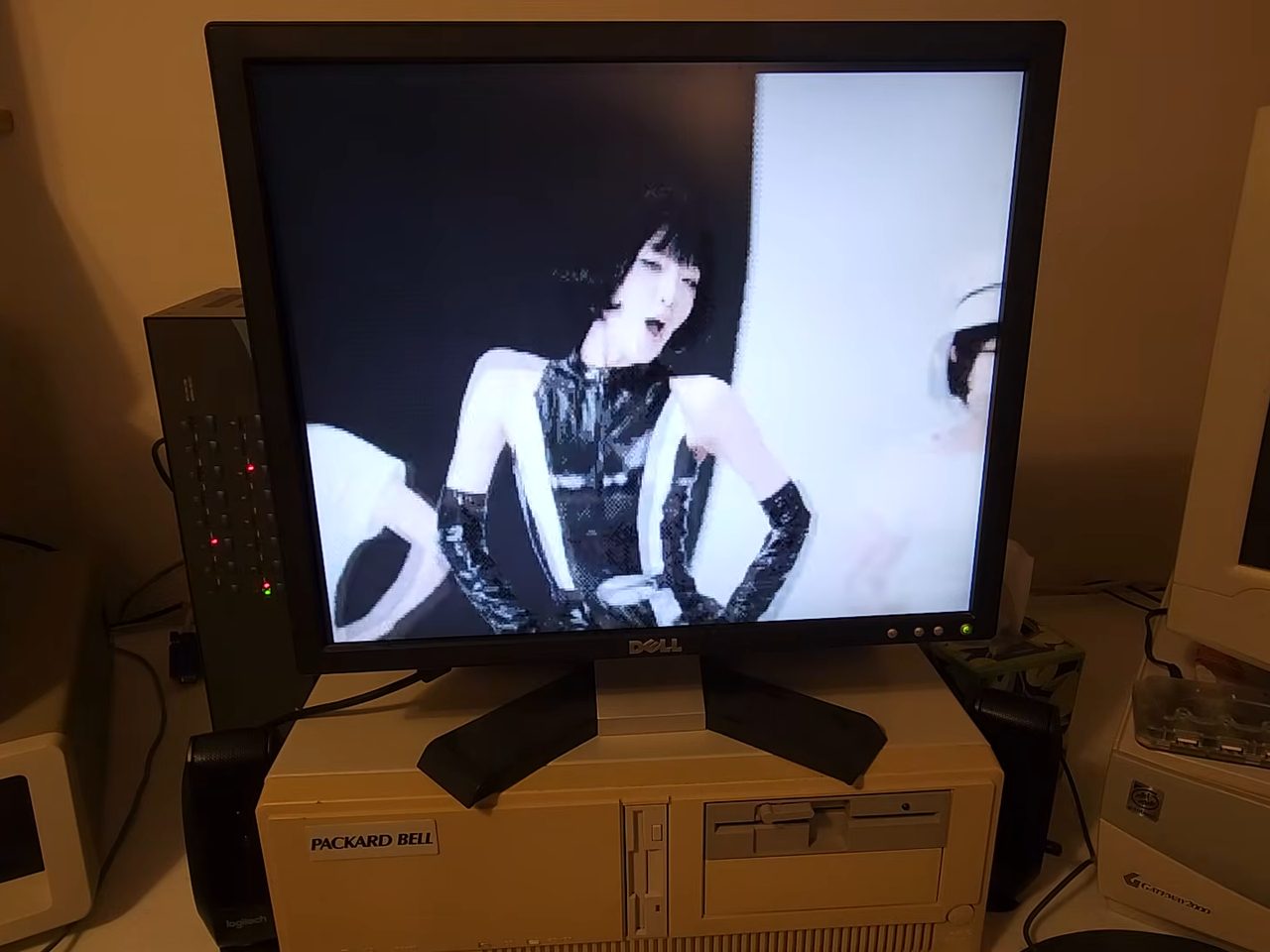
A 286 desktop playing full-screen video in the Video Player with no frames dropped or cut. A PicoMEM card does two jobs here: it is the hard disk, at about 500KB/s -- close to the 102MB drive the machine came with -- and it is the Sound Blaster 2.0. The video was filmed on an LCD, because the phone's camera and the CRT did not agree.
- CPU
- AMD 286, 16MHz
- RAM
- 4MB, 100ns
- video
- Paradise PVGA1A, 256KB
- bus
- ISA, 8 wait states
- disk and sound
- PicoMEM V1
- playback
- 30fps, full screen
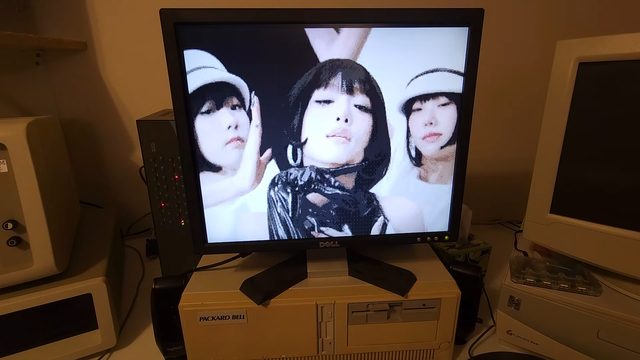
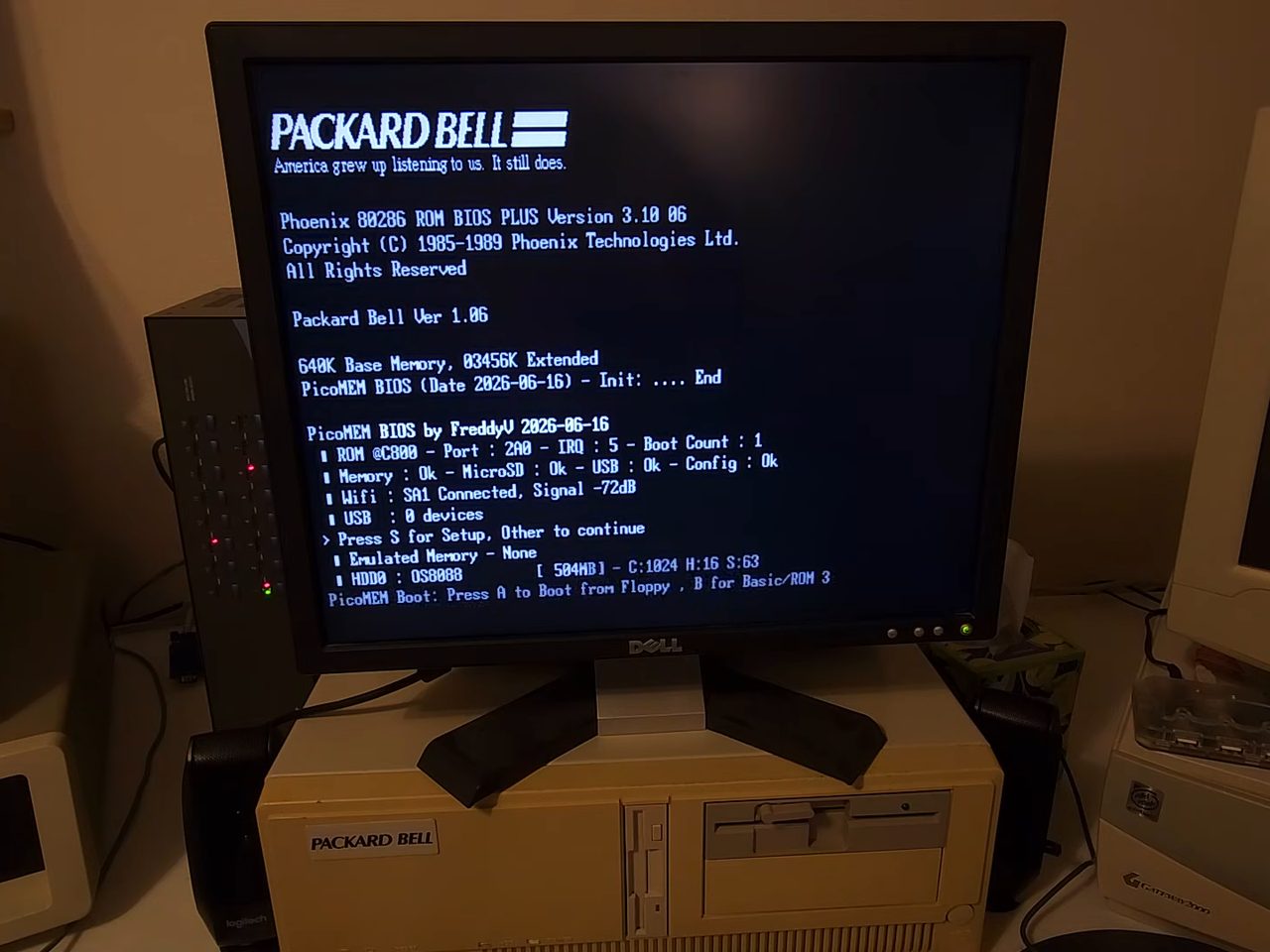
OS8088. Still from the
video by AcornsN64.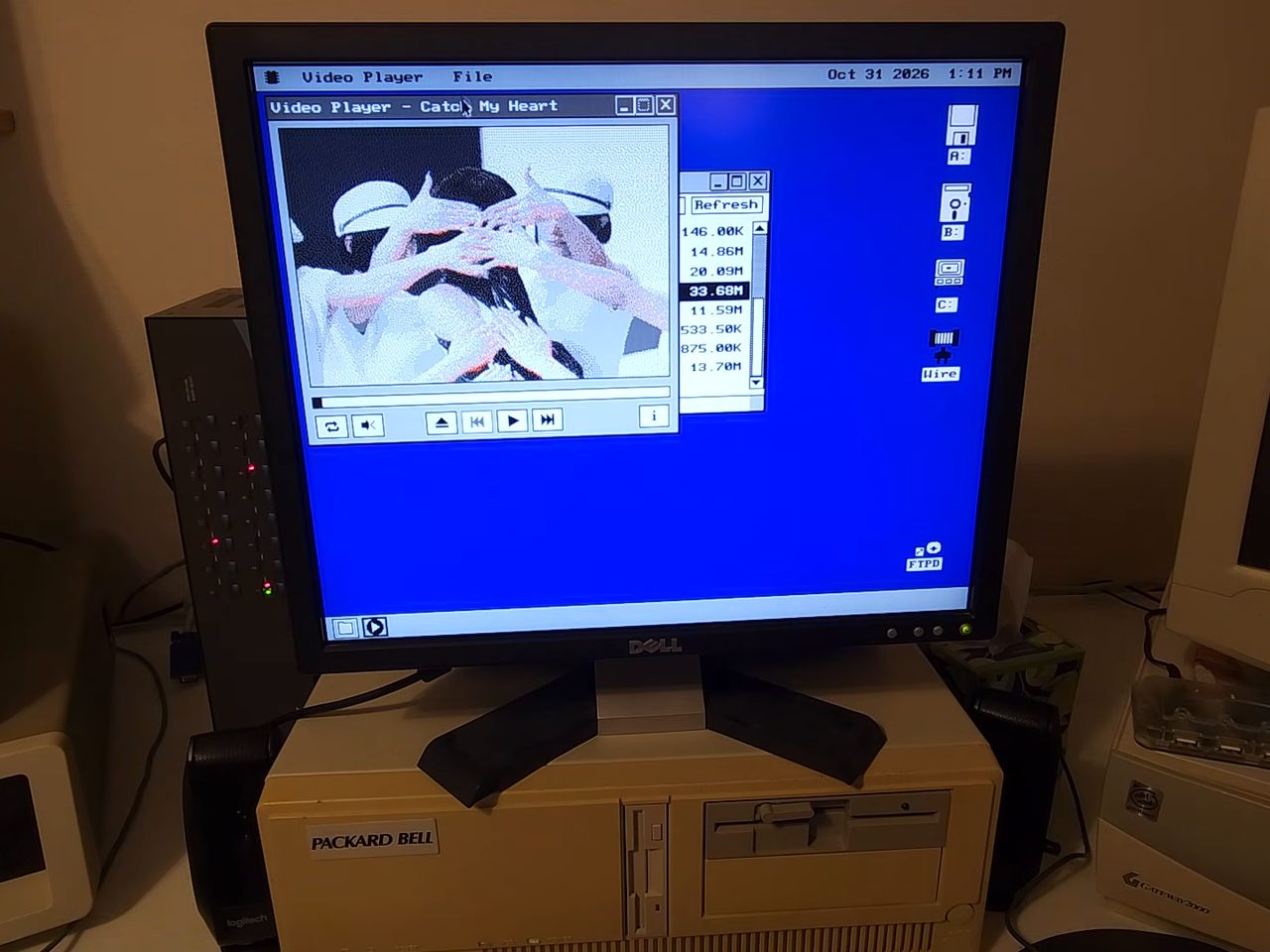
Book8088
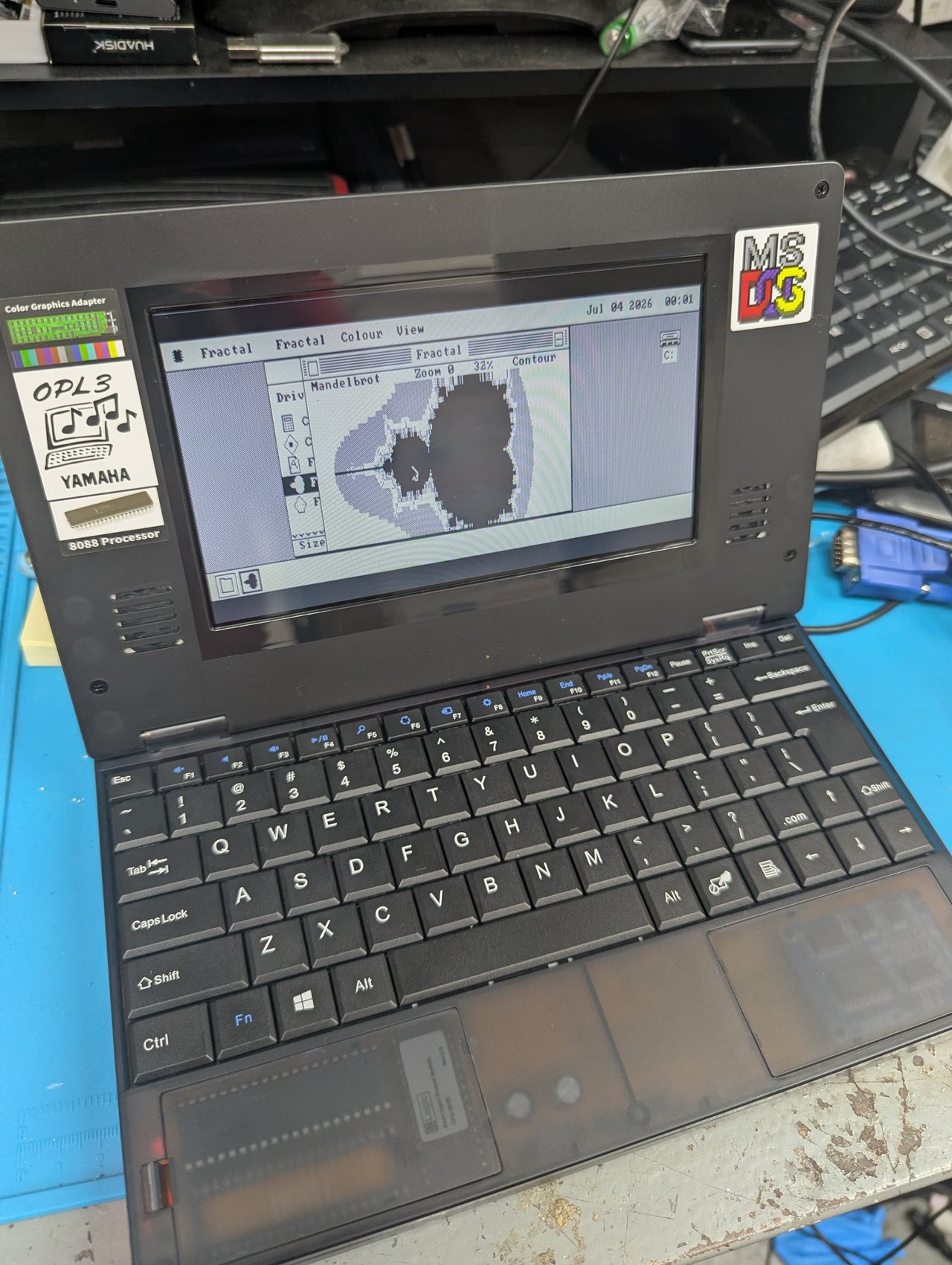
A modern 8088 laptop -- the same processor the IBM PC had, with a CGA-compatible screen, an OPL3 for sound and a CompactFlash card for a hard disk. It is also the one machine here that can drive a USB mouse, through the CH375 chip behind its USB socket. The Book8088 page has the machine, how to write its card, and the mouse.
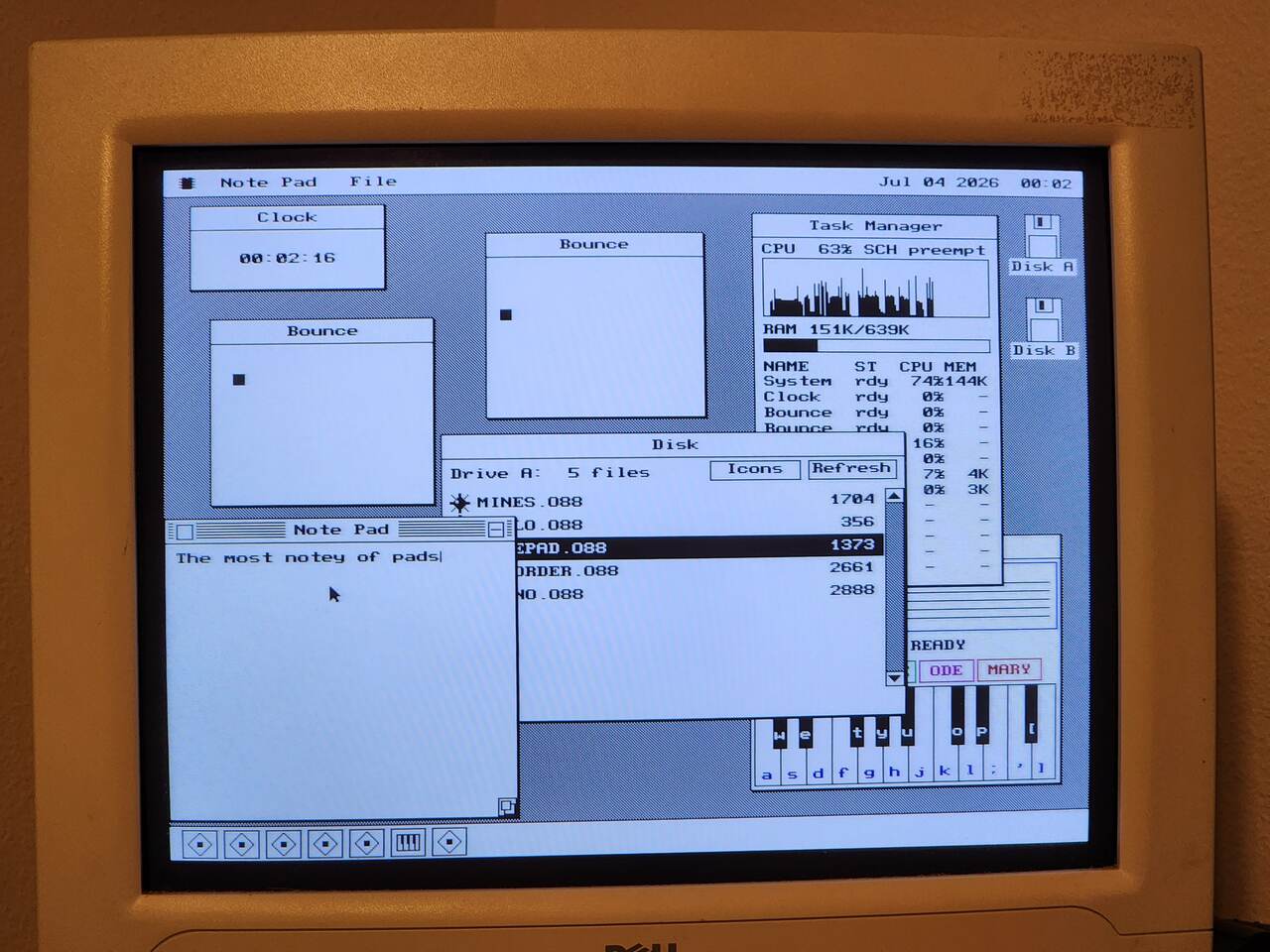
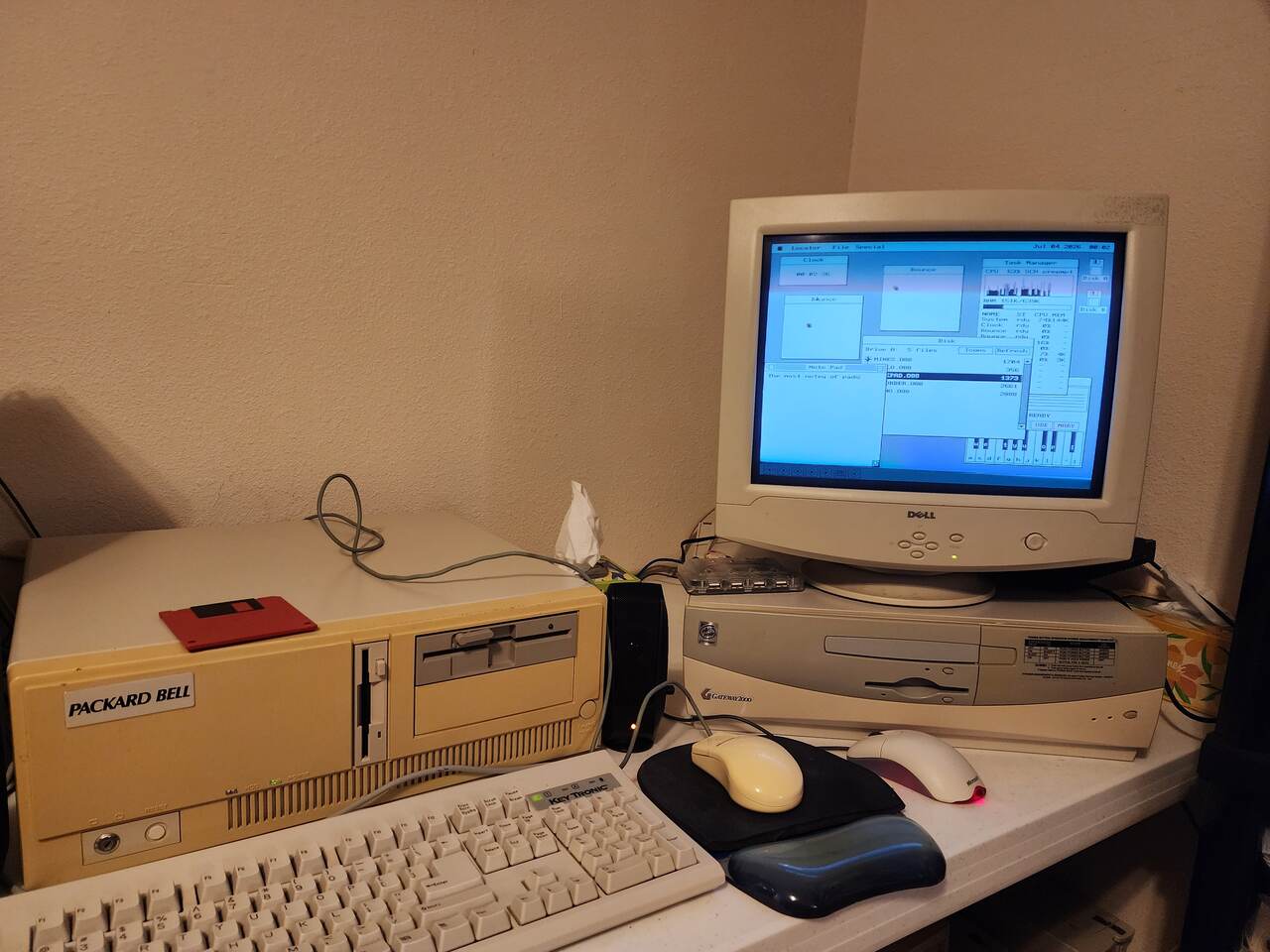
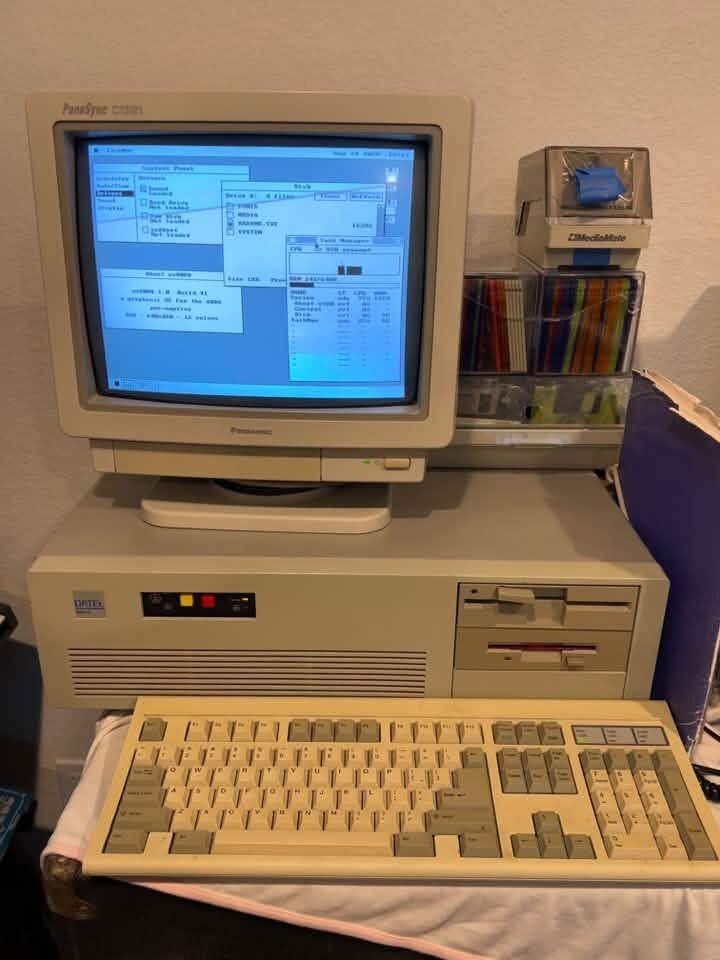
In VGA
os8088 at 640x480 in mode 12h on a CRT -- the mode every other screenshot on this site is taken in.
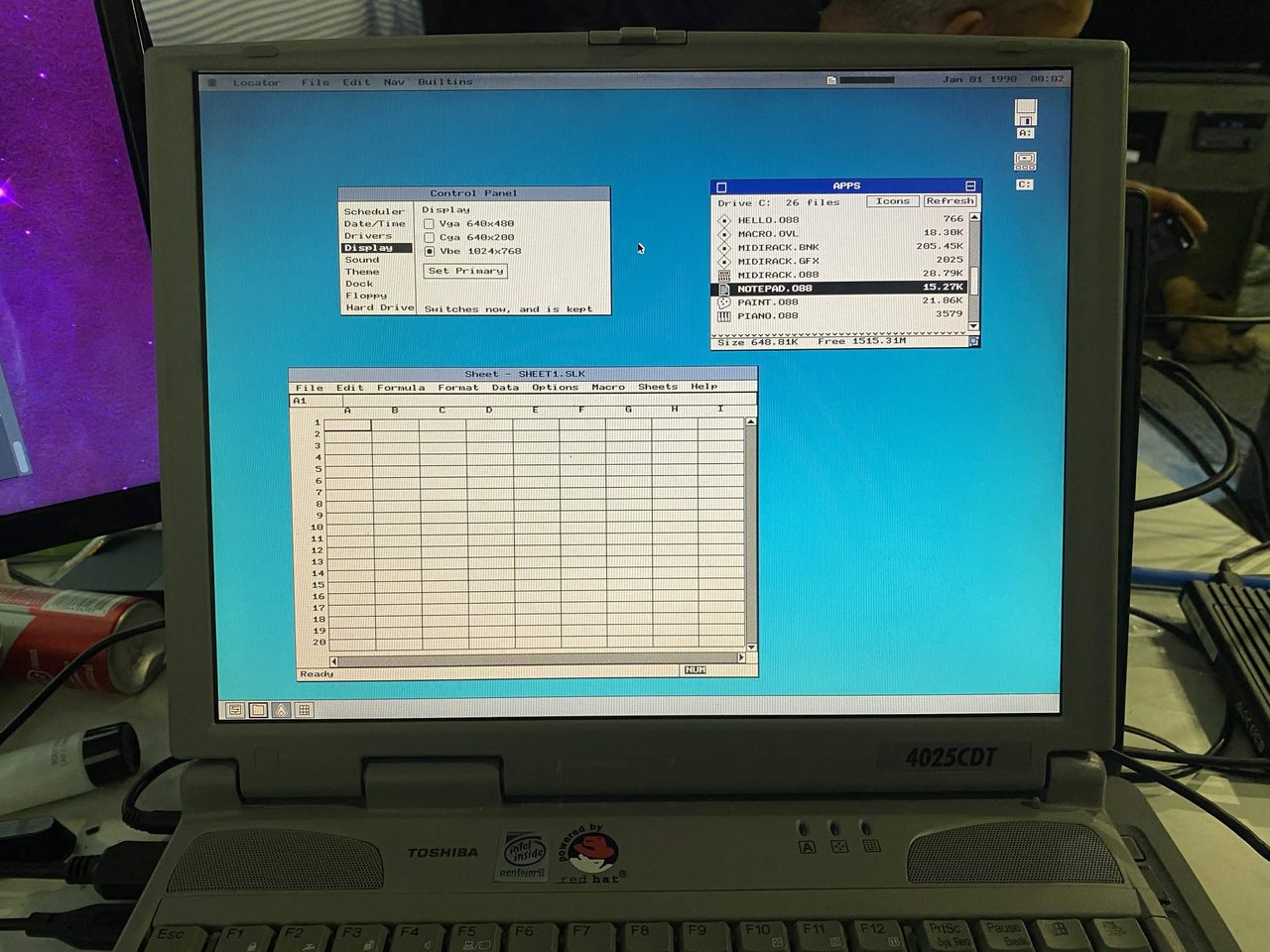
Toshiba Satellite 4025CDT
A Pentium II laptop from the late 1990s. It still starts up in real mode like an 8086, so os8088 boots on it as it does on the 5150 -- but the release images stop at VGA's 640x480, and this screen has 2.56 times as many pixels. Filling it takes a VBE driver Nullmoment wrote, which sets the mode through the video card's VESA BIOS. The Control Panel's Display page lists it beside VGA and CGA; Set Primary switches to it at once and keeps it for the next boot. The driver is not in the main os8088 tree yet, so no release image can do this.
- CPU
- Pentium II
- mode
- VBE, 1024 x 768
- hard disk
- C:, 1515MB free
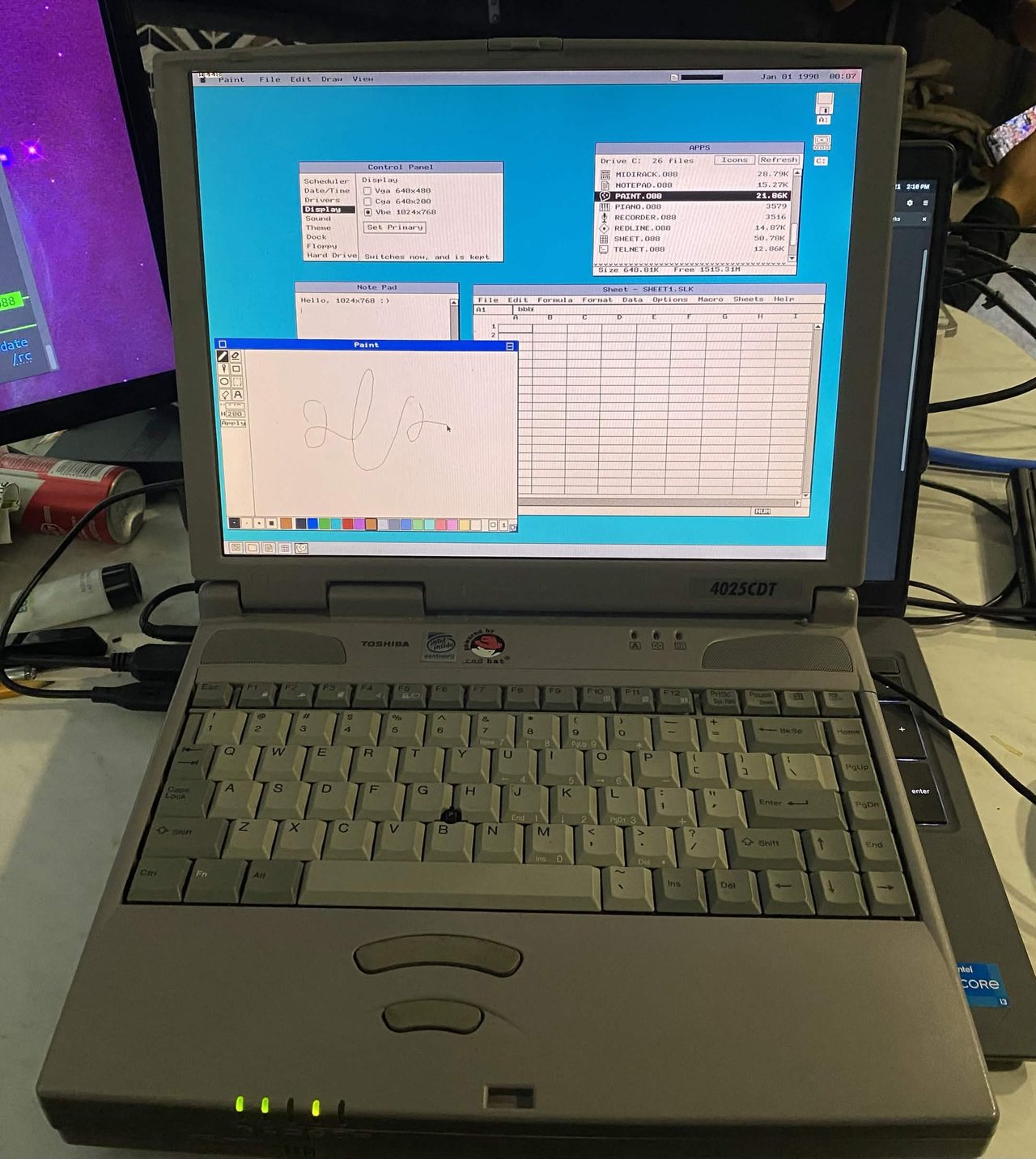
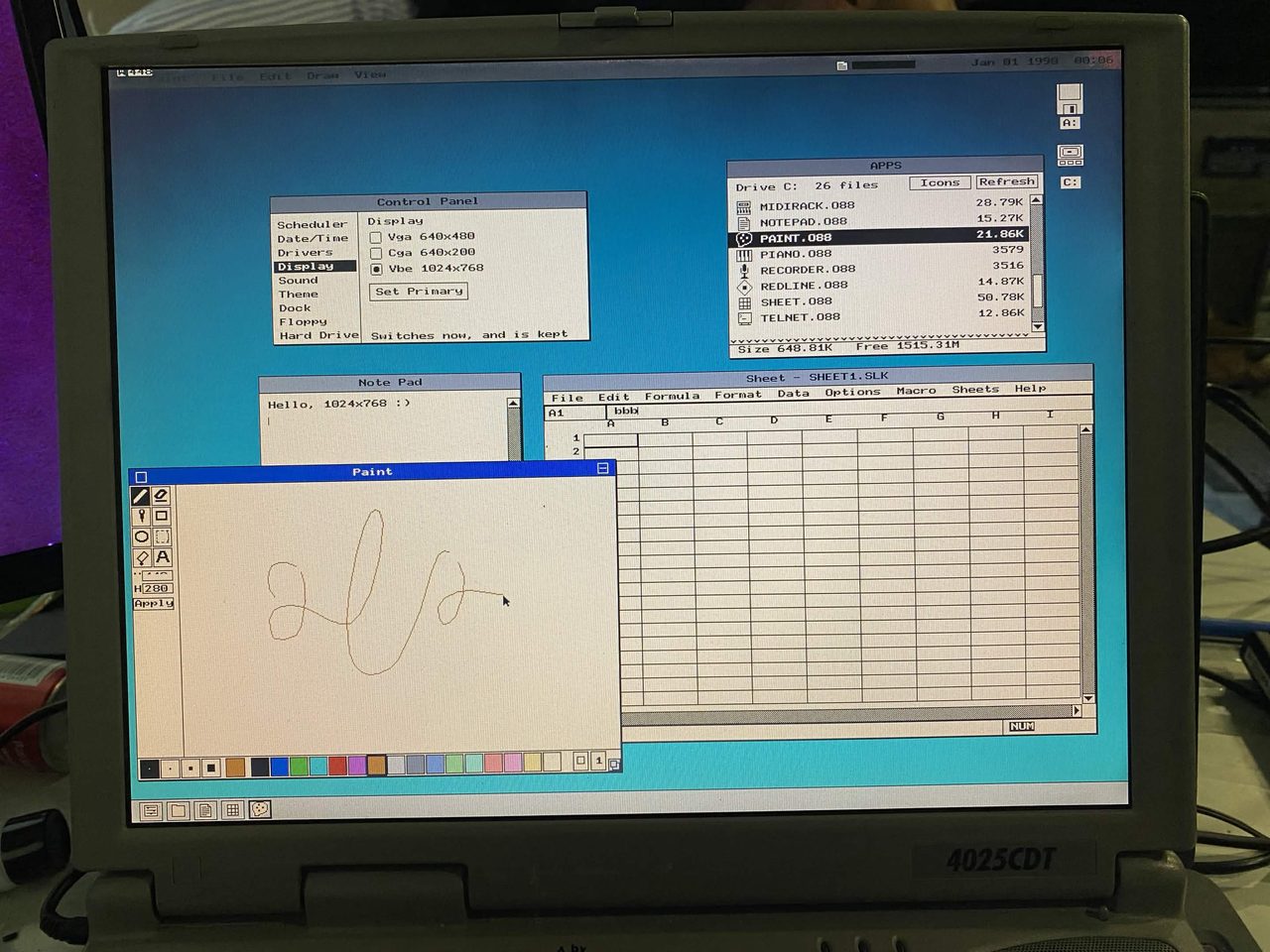
Hello, 1024x768 :).