Spotlight › Video Player
Full-motion video on a 4.77 MHz 8088
The Video Player plays video with sound on the IBM PC of 1981, off a floppy or a hard disk. The videos are prepared on a modern computer into a format made for that machine, so all the PC has to do is copy the bytes that changed into place.
- frames a second, with sound
- 30
- less disk than XDC
- 21-46%
- sound
- Sound Blaster or PC speaker
It plays in a window, full screen, or on the desktop while other programs keep running. It works on CGA, Hercules and VGA, each at its own resolution.
What it is
Why video is hard on this machine, and the way around it.
A full screen on a CGA card, the IBM PC's colour graphics adapter, at 640 by 200 in black and white, is 16,000 bytes. Thirty of those a second would be 480,000 bytes a second. A typical hard disk of the day, the 20MB Seagate ST-225, delivers about 110,000. The processor is short too: at 4.77 MHz it has about 159,000 clock cycles for each thirtieth of a second, and writing one byte to the CGA card costs about 18 of them. Copying one whole screen would take nearly two frames' worth of time.
So a video cannot be a series of pictures. It has to be a series of changes: most of the screen is the same as it was a thirtieth of a second ago, and only what moved needs to be sent. In 2014 Jim Leonard, known as MobyGamer, showed this working with XDC, a system that turns each frame into a small 8088 program that writes the changed bytes. It is what made the "8088 Domination" demo possible.
This player uses the same idea with its own file format, .V88. A frame is not a program but a list of changes, and the player holds the fast loops that apply them. The lists are smaller than XDC's code for the same frames, so the same video takes 21 to 46 percent less disk.
The work of deciding what changes happens beforehand, on a modern computer. The encoder reads any video file, shrinks it to the target screen, and decides frame by frame which bytes to send within what the disk and the processor can manage. The PC only reads the file and applies it.
See it running
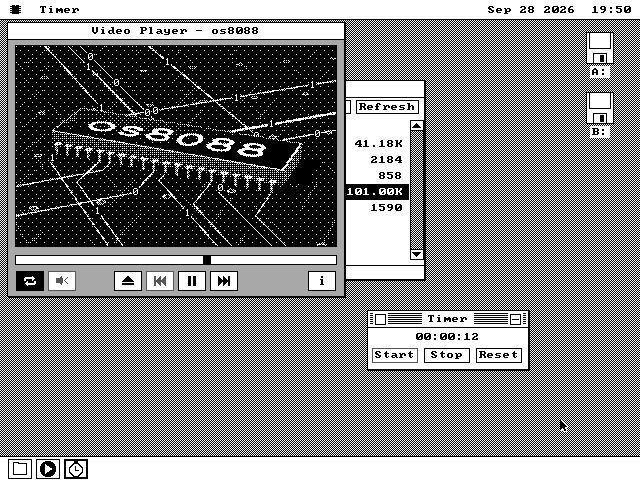
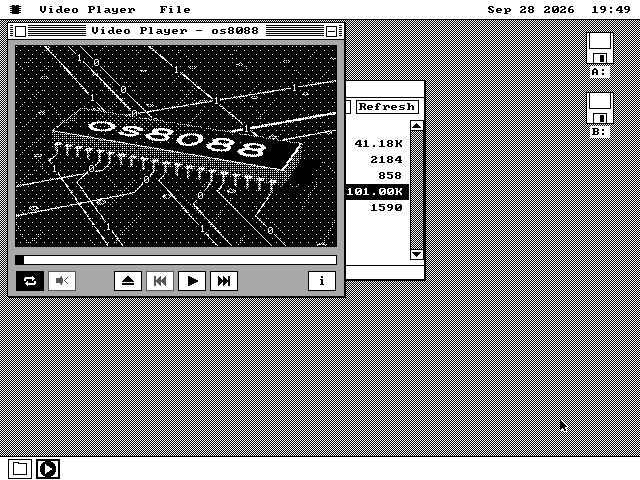
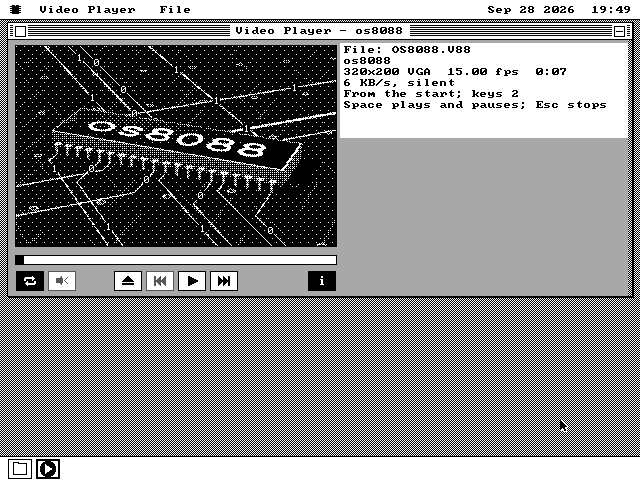
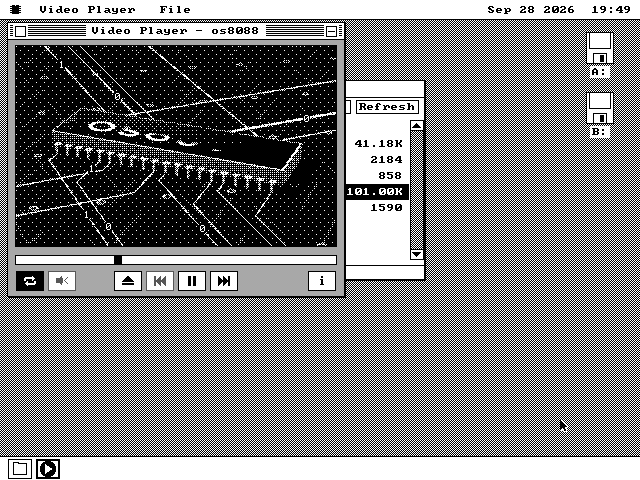
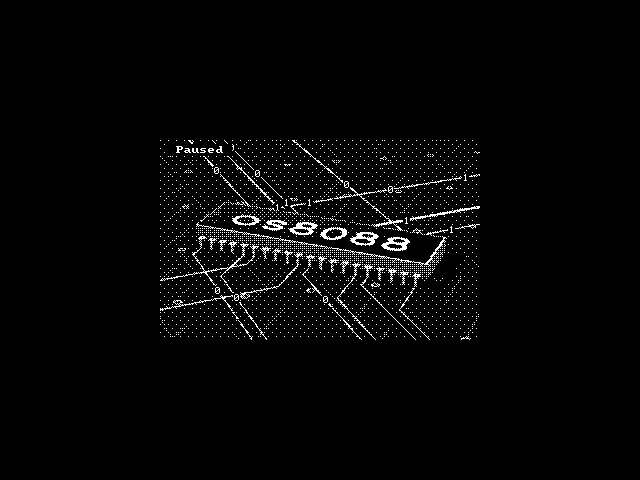
The one video every disk carries: the os8088 logo, 7 seconds at 15 frames a second.
How it works
A frame, a screen, a clock and a budget.
A list of changes, not a program
Each frame is a set of short lists: runs of one to six changed bytes, longer runs, and runs that fill with one value. Where each change goes is stored as a one-byte skip from the last one. A single changed byte costs two bytes in the file; in an XDC frame it costs five, because every write carries its own full address.
The player has a loop written out by hand for each kind of list, so applying a change is a few instructions with no decisions in between.
Made for one card
A file is laid out in the memory order of the card it will be shown on: CGA's two interleaved banks, Hercules' four, or VGA's planes. Nothing is scaled or rearranged while it plays. One file can hold a version for each card; the logo has three, 320 by 200 for VGA, 360 by 144 for Hercules and 320 by 112 for CGA.
Black and white works on every card. VGA also has 16 colours in a window and 256 full screen, CGA has its four-colour mode, and any card can play a video made of text characters, full screen.
Frames on time, whatever the disk does
Frames are drawn from the timer interrupt, or with a Sound Blaster from the card's own interrupt, so the sound card's clock keeps the picture in step. Between frames the player reads the file ahead into memory.
Measured on an emulated IBM PC with an 8088 at 4.77 MHz, a Hercules card and a Sound Blaster 2.0, counting the processor's own cycles: a 60-second test clip at 30 frames a second with 22,050 Hz sound, read from a hard disk, drew all 1,800 frames with no stall. The picture was never more than two frames behind the sound.
Bad Apple fits on a 20MB drive
Measured against XDC on XDC's own sample videos, the same content takes 21 to 46 percent less space. The largest difference is on Bad Apple, a well-known black and white animation:
| XDC | .V88 | |
|---|---|---|
| read rate | 93.8 KB/s | 57.7 KB/s |
| file | 20.1 MB | 12.3 MB |
On a real IBM PC, an ST-225 still delivered 104 KB a second with the player's interrupt busy for half of every frame. The price is in the processor: the most expensive frames cost up to 1.28 times as much time as XDC's.
A sound card, or the speaker
On a Sound Blaster, sound is 8-bit up to 22,050 Hz, or a 4-bit compressed form half that size. With no card, the PC speaker plays it: the encoder shapes the sound for a 2.25-inch speaker, and at 5,512 Hz playing it takes about half of a 4.77 MHz processor. On an 8088 a speaker track above 8,000 Hz starts muted, because the processor cannot keep up; M turns it on anyway.
The encoder knows the machine
The encoder is given a profile of the target machine: how many bytes a second its disk can deliver and how much of the processor a frame may use. A frame whose changes fit is exact. One that does not sends the changes that fix the most pixels first, and the rest arrive over the next few frames. A still part of the picture costs nothing.
What it does not do
Where it stops, and why.
- It does not play MP4, AVI or any other ordinary video file. Those are turned into
.V88on a modern computer first, with the encoder, which needs Python, numpy and ffmpeg. - A frame that needs more than the disk or processor can give is approximated, and catches up over the next frames.
- Only a video small enough to be held in memory plays on the desktop with other programs running. A longer one plays in its window or full screen while the desktop waits.
- 256 colours, CGA's four colours and text-character videos are full screen only.
- On the desktop there is no PC speaker sound; the speaker needs the timer that the desktop uses. With a Sound Blaster the desktop has sound.
- It is not on the 128KB build of os8088, and not on the 360KB system disk, which has no room for it.
Run it
The player and the logo video are on the software disk.
-
Boot os8088 with the software disk in the second drive.
-
Double-click Disk B, and open the MEDIA folder.
-
Double-click OS8088.V88. The player opens on it.
-
Press Space to play, F for full screen, and I for the information card.
The player is in the APPS folder of every software disk and of the 720KB, 1.2MB and 1.44MB system disks, which carry the logo video in MEDIA too. On a 360KB XT the player is on apps360.img and the logo on media360.img. To make your own videos, the encoder is in the source tree as tools/os88venc.py, with a window for it in tools/os88vencgui.py.