Spotlight › Wire Arena
Wire Arena
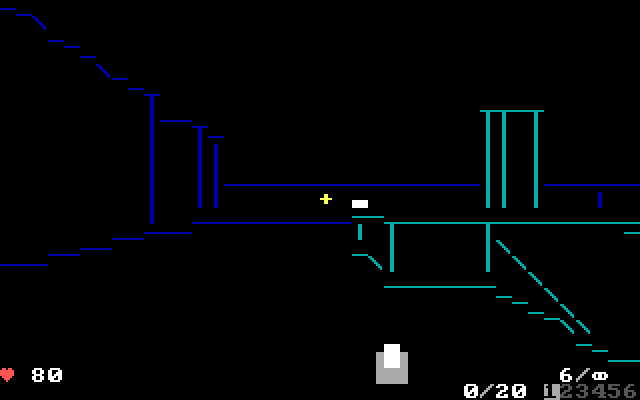
A first-person arena shooter for a 4.77 MHz IBM PC. The arenas are drawn with text characters, and up to four players meet over a serial cable, a local network or the internet.
- Arenas
- 8
- Players
- Up to 4
- One view, 4.77 MHz
- 22 to 46 ms
01 / What it is
What it is
A first-person shooter shows the world through the player's own eyes. You walk through rooms, look around with the mouse and shoot at the other players. An arena shooter keeps that to a set of rooms built for fighting, with weapons and health lying on the floor and players who come back a few seconds after they lose.
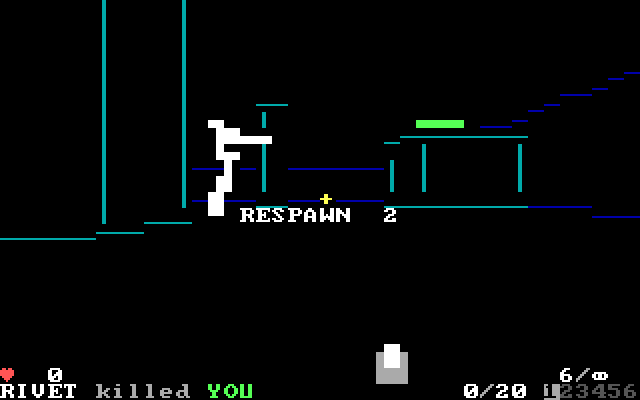
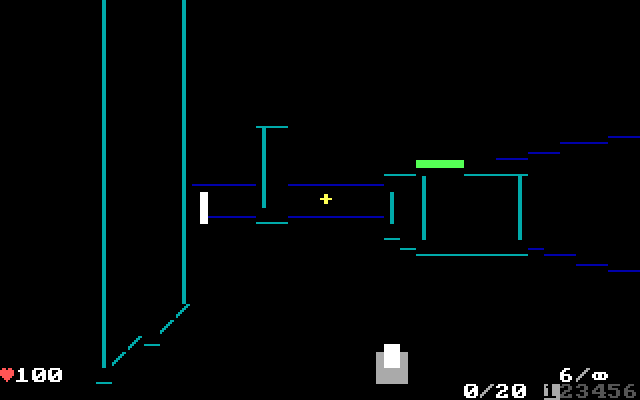
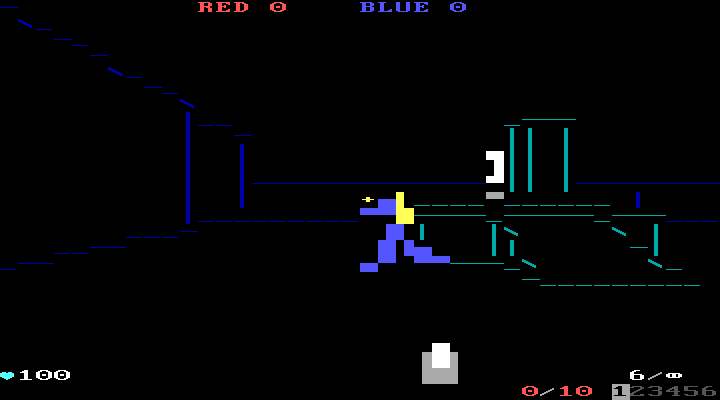
The IBM PC of 1981 has an 8088 processor at 4.77 MHz. It cannot redraw a graphics screen fast enough for this kind of game. Its text screen is different. It is 25 rows of 40 or 80 characters, and changing a character is one write to memory. Wire Arena draws its walls, ramps and players out of characters, and on each frame it writes only the characters that changed.
Play alone against up to three computer players, or with two to four people. The machines connect over a null modem cable, which is a serial cable with its send and receive wires crossed, or over an Ethernet network, nearby or across the internet. There are eight arenas with lifts, ramps and towers, and six weapons: pistol, shotgun, chaingun, grenades, rockets and railgun. There are four ways to play: free-for-all, team deathmatch, capture the flag and king of the hill.
02 / On the screen
On the screen
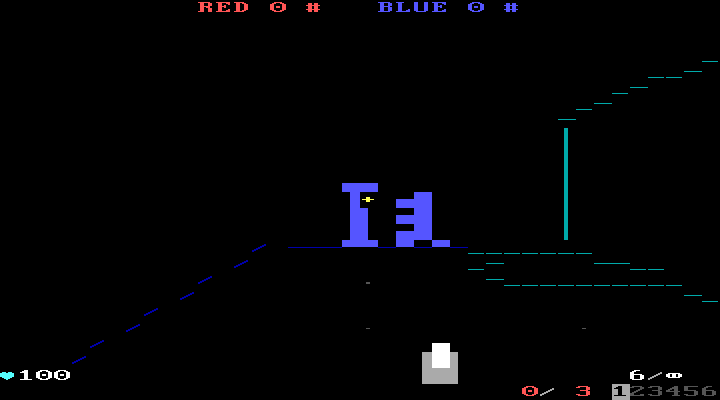
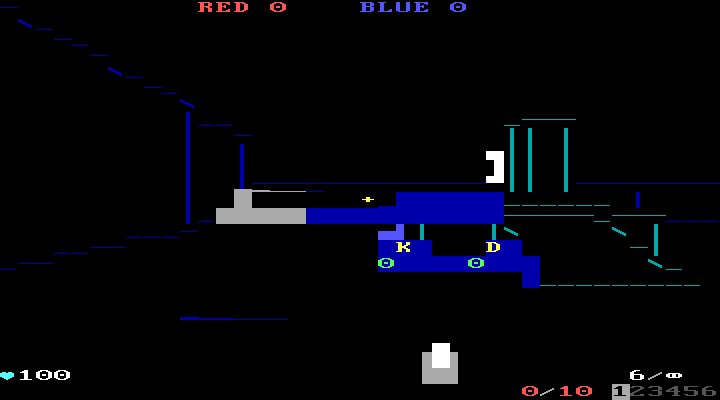
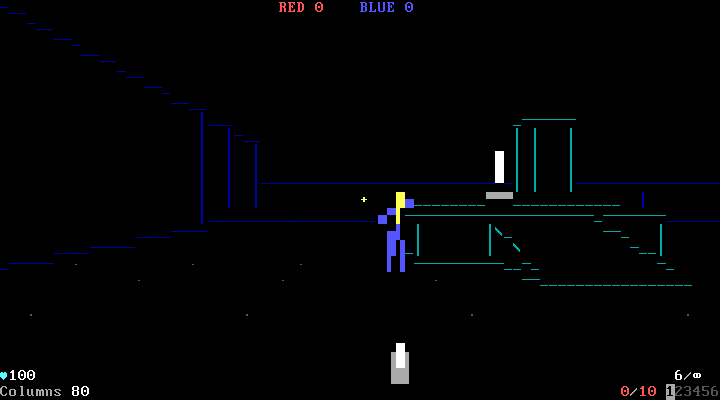
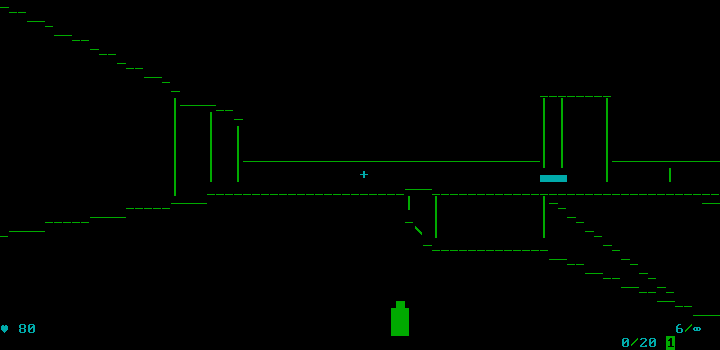
03 / How it fits in an 8088
How it fits in an 8088
Each arena is a list of boxes: solid blocks, ramps, lifts and low outlines. A box can stand on another. The arenas are built on the host computer when the program is built, along with a sorted tree of the boxes and a table of which parts of the room can see each other. On the PC, the game reads those tables instead of working them out each frame. The bots find their way by a route table made the same way, which tells them which way to go first from any point to any goal.
The game moves everyone 30 times a second on a fixed clock, whatever the screen manages. On an 8088 it draws 40 columns, which halves the characters on screen, and a 286 or newer starts at 80. Five detail levels trade how much of the arena is drawn against speed: F1 to F5 during a match.
Measured on MartyPC, an emulator that counts the 8088's cycles exactly, drawing one view at 40 columns takes 105,532 cycles in the Open arena and 218,942 in the Pit. At 4.77 MHz that is 22 ms and 46 ms. Putting the characters on the screen comes after that. The whole program, its eight arenas included, is a 59,730-byte file.
A linked match sends the same frames over all three connections: the serial cable at 2,400 baud, raw Ethernet and UDP. The computer that starts the match runs the bots, and the others see them over the wire.
04 / What it does not do
What it does not do
It needs the standard system disk. The small system disk for 128KB machines refuses it with Needs kern_big or mega.
On a 4.77 MHz PC the screen does not keep up with the 30-step game clock. The busiest arenas take the longest to draw. A 286 draws faster than the monitor refreshes, which is why its highest detail level also waits for the refresh.
Mouse look needs a mouse that reports movement. On the emulator system disk, where the pointer follows the host's mouse, mouse look does nothing; the arrow keys turn and look up and down, and the buttons still fire. That includes this site's in-browser demo.
Pause works only in a match you play alone.
05 / Run Wire Arena
Run Wire Arena
Boot the system disk. Wire Arena is in the
GAMESfolder of the 1.44MB and 1.2MB software disks and of the second 720KB disk (720K/MORE-720.IMG), at the top of the second 360KB games disk (360K/GAMES2.IMG), and on The Wire.Double-click
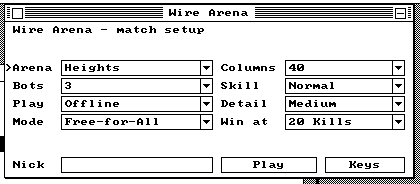
WIRERENA.O88. The match setup window opens.Choose an arena, the number of bots and the mode, then press Play or Enter.
Move the mouse to look and click to fire. W, A, S and D walk, Space jumps, 1 to 6 pick a weapon, Tab shows the scores and Esc leaves.