Spotlight › Gorillas
Gorillas, without the BASIC
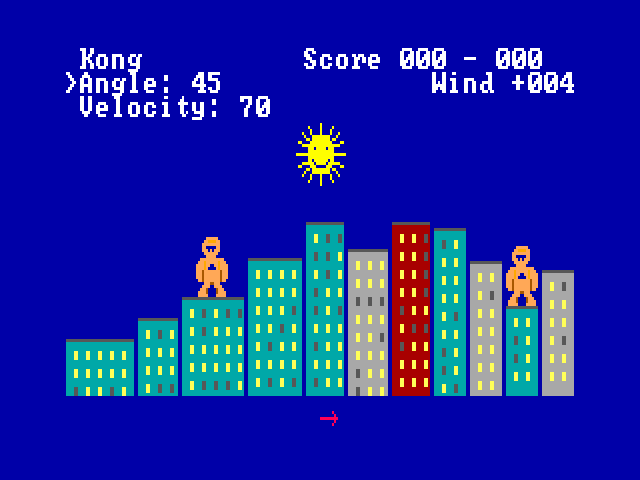
Two gorillas stand on the rooftops of a city and take turns throwing exploding bananas at each other. This is the game that came with QBasic, rewritten in 8086 assembly: play a friend at the same keyboard or the computer, in a window or full screen.
- players
- 1 or 2
- on the disk
- 14,261 bytes
- graphics cards
- VGA, CGA, Hercules
Full screen on VGA uses the original game's colours. On CGA full screen is four colours, and Hercules is black and white.
What it is
A game from 1991 that came with its own source code.
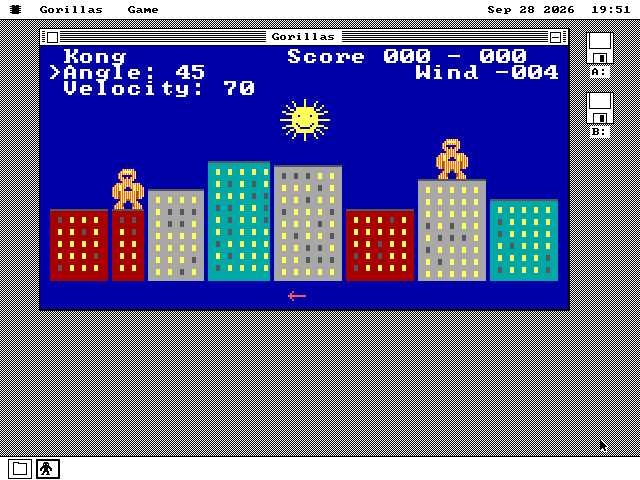
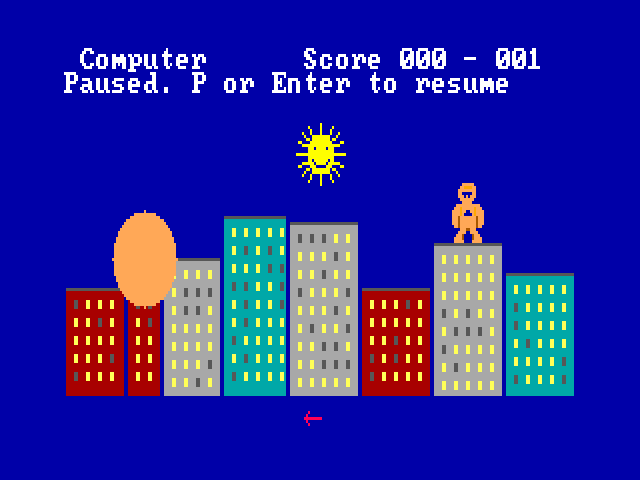
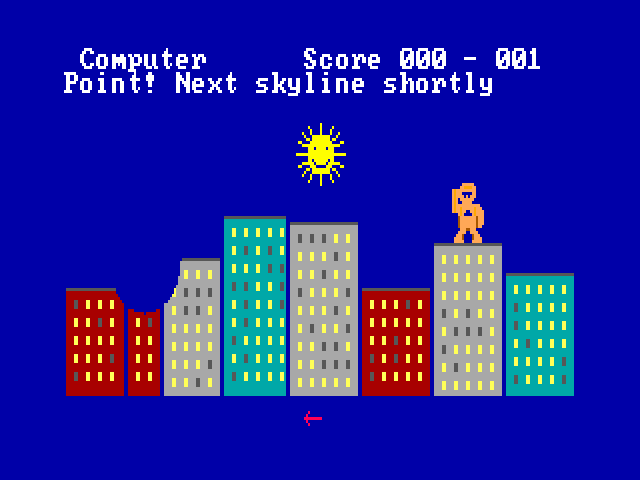
In 1991 MS-DOS 5 came with QBasic, a simple programming language, and a few example programs written in it. One of them was GORILLA.BAS. Two gorillas stand on the roofs of a random city skyline. Each turn a player types an angle and a speed, and a banana flies off under gravity and the wind. Hit the other gorilla and you score; miss and the banana blows a hole in a building. Because it was a program you could open and read, you could change its gravity or the size of its explosions and run it again to see what happened.
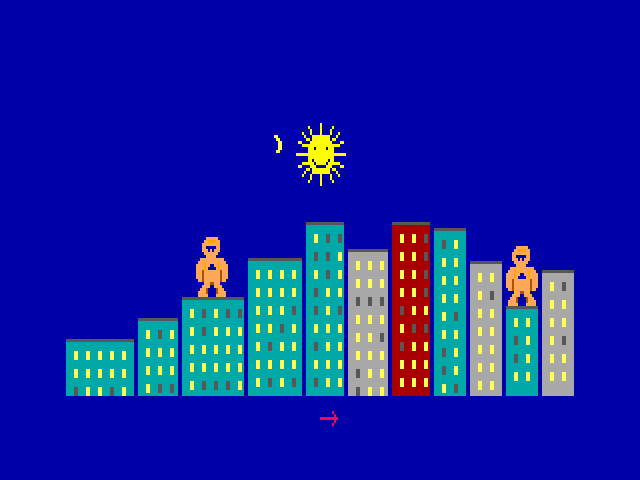
This version is a new program in 8086 assembly that follows the original's rules. The city is different every time. The wind blows at up to 15 either way, and an arrow under the city shows which way and how hard. Craters stay where the bananas made them. The sun looks shocked when a banana goes past it. The scorer does a victory dance to the original's tunes.
It adds a few things. You can play against the computer; the original needed two people. You choose the winning score, from 1 to 99, and the gravity, from 0.001 to 9999.999. Each player's last angle and speed are kept, so a near miss can be corrected by one number. It runs in a window beside other programs, or full screen.
Type a number and press Enter to move from the angle to the speed; Enter again throws. Tab switches between the two, and the arrow keys change them by one. P pauses, F switches to full screen and back, and N starts a new match.
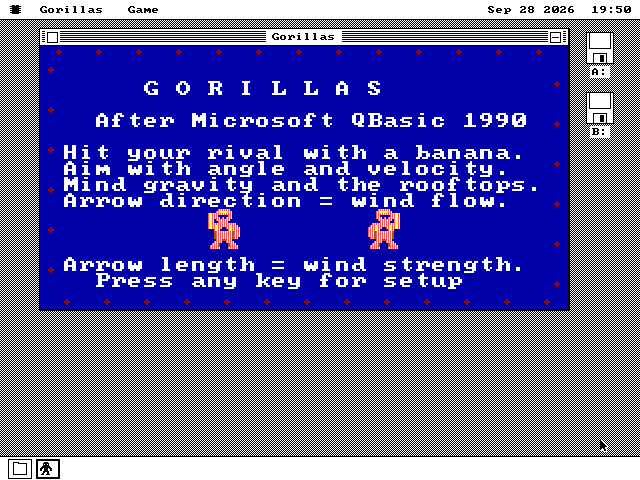
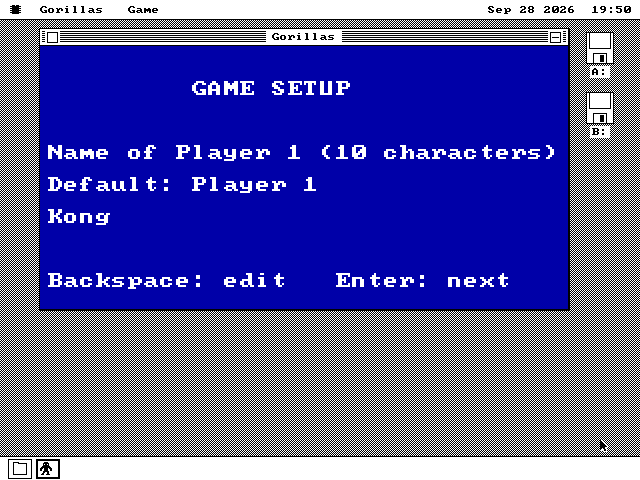
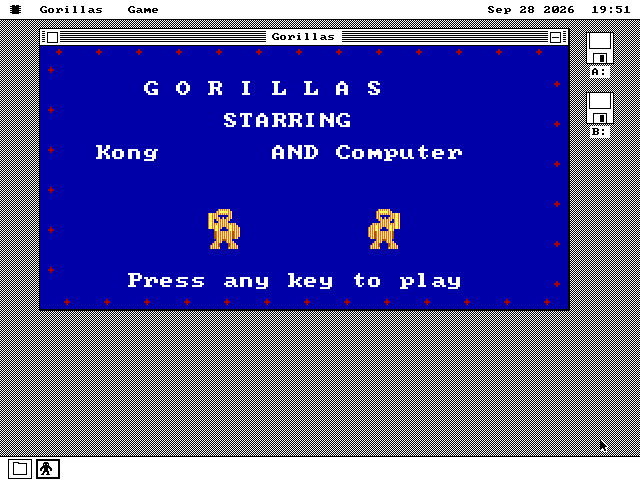
See it running
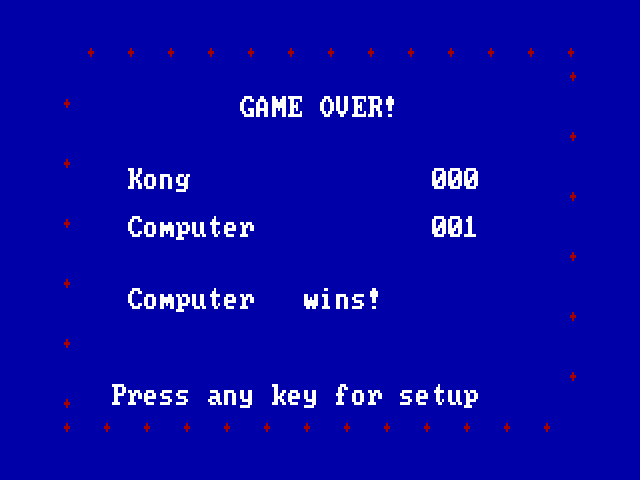
From the title screen to the final score.
How it works
A banana's arc, a city and a typed number, on a 4.77 MHz processor.
The original's arc, in whole numbers
QBasic worked out each position of the banana in floating point. The 8088 has no floating point, so this version keeps positions as whole numbers with a fixed number of fraction bits, and looks sines up in a table. The test that checks it compares every point against the original's formula and allows three quarters of a pixel.
A throw is drawn a small rectangle at a time: each step puts back what was under the banana and draws it in its new place, so the city is never redrawn during a flight. A hit is decided against the gorilla's actual pixels, not the box around it.
A new skyline in about a second
Drawing a whole city is the slowest thing the game does. It is drawn in strips from left to right and never goes blank first. Measured on an emulated IBM PC with an 8088 at 4.77 MHz, counting the processor's own cycles:
| card | in a window | full screen |
|---|---|---|
| VGA | 1.24 s | 1.45 s |
| CGA | 0.37 s | 0.33 s |
| Hercules | 0.47 s | 0.52 s |
An earlier version of the game took 3.3 seconds in a VGA window and 5.9 full screen.
A typed digit shows at once
Typing an angle only redraws the number that changed. The first digit of a new angle used to take 881 milliseconds to appear in a VGA window on a 4.77 MHz PC; it now takes 5.6. Typing six keys ahead, an angle, Tab and a speed, finishes within one tick of the system clock, 55 milliseconds, on all three cards.
The original's tunes, and a new player
Every tune is built from the notes written in the original program, and plays on the PC speaker without stopping the game. A note lasts at least one tick of the clock, 1/18 of a second, so the shortest notes are a little longer than they were.
The computer always throws at 55 degrees. It tries every second speed from 1 to 360, one on each tick of the clock so the game never stops to think, keeps the one that lands closest to you, and then adds an error of up to 8 either way. It misses often enough to beat.
What it does not do
Where it differs from the original, and why.
- It does not run the original program. There is no BASIC here; it is a new program that follows the same rules, so the physics and the timing are close to the original rather than identical.
- Angles and speeds are whole numbers from 0 to 360. The original took fractions.
- The sound is the PC speaker only. A sound card is not used.
- The mouse is not used to play; the game is typed, as the original was.
- On CGA a window is black and white, as every CGA window on this system is. Colour on CGA is full screen only.
- Two players share one keyboard. There is no play over a network.
Run it
It is on the software disk, in the games folder.
-
Boot os8088 with the software disk in the second drive.
-
Double-click Disk B, and open the GAMES folder.
-
Double-click GORILLAS.O88, and press any key for setup.
-
Answer the five questions, or press Enter for each default, then P to play.
It is on every software disk, at every size, and on the live USB image and CD. On a 360KB XT it is on apps360.img, and at the top of games360.img. It is also in The Wire.