Spotlight / FF7 Battle
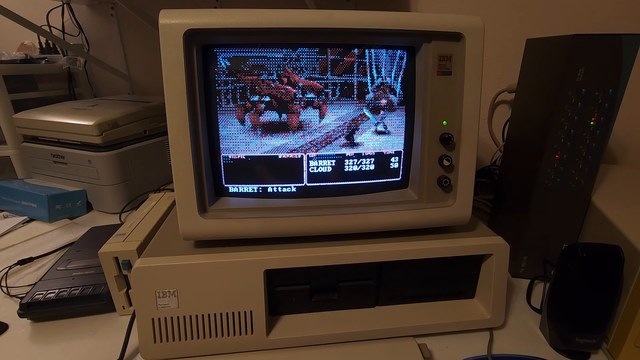
FF7 Battle on an IBM 5150
A command-driven Guard Scorpion encounter assembled from prepared action clips and a shared idle loop.
The captured package is an interactive battle recreation. The IBM 5150 footage and its hardware notes are AcornsN64's demonstration; the framebuffer captures are from QEMU.
- Intel 8088
- 4.77 MHz
- Guard Scorpion
- 1 encounter
- Captured package
- 6.26 MiB
- Hardware demonstration
- Real IBM 5150
01 / The battle
Command-driven playback
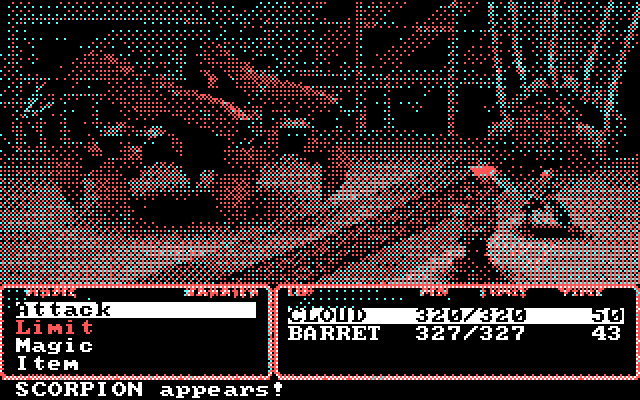
Menus and overlay
The package selects an action clip from the live command menu and returns to the common idle scene. Party statistics and menus are drawn over the prepared footage.
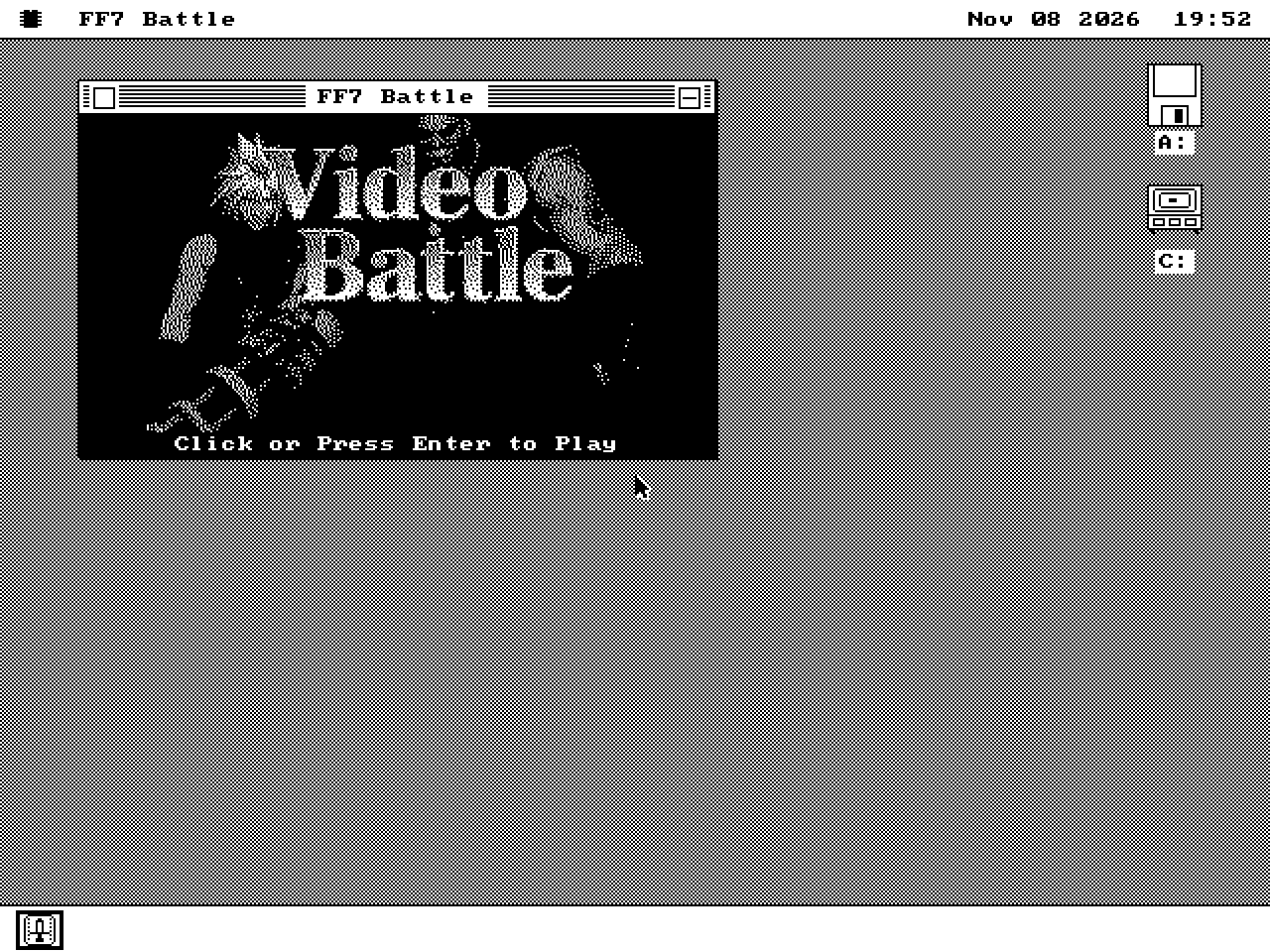
Launch window
Open FF7.O88 and press Enter to enter full-screen playback.
02 / The trick
Clip selection and prefetch
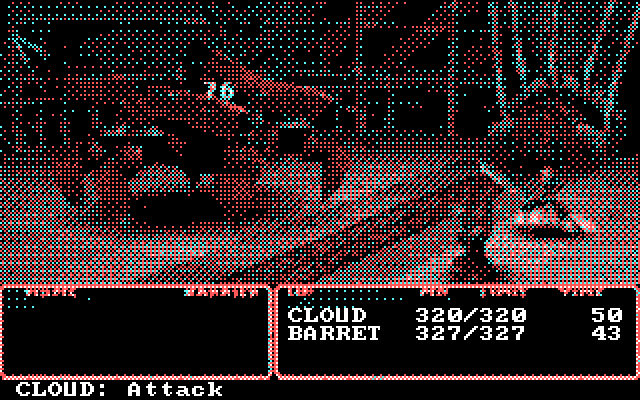
The video description reports prefetch beginning when the menu selection moves, before Enter confirms it. That allows the next clip to load while the current loop continues.
Playback notes
AcornsN64's description is the source for the prefetch and shared-idle behaviour. The builder supports more action types than the demonstrated minimal encounter uses.
03 / On the real thing
IBM 5150 demonstration
Recorded configuration
AcornsN64's 8 November 2026 recording uses a 4.77 MHz IBM 5150, IBM 5153 and PicoMEM V2. The timestamped links below show Ice and Braver.
Watch the demonstration ↗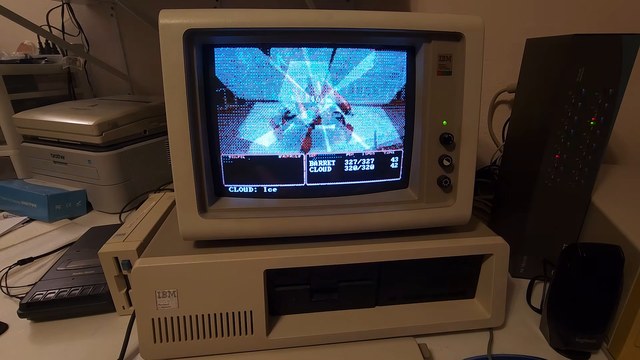
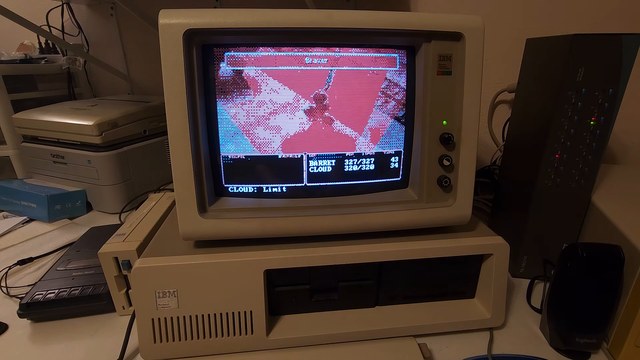
Source: AcornsN64's video of the real PC. The earlier 86Box demonstration is linked in its description.
Hardware and capture notes
The video description reports that PicoMEM supplies disk and Sound Blaster 2.0 emulation. The ST-225/ST11M and Hercules card were disconnected for this run because of the stated IRQ/option-ROM conflict.
The disk-read CPU comparison is reported by AcornsN64 in the video description. The package screenshots use QEMU; capture provenance is recorded with the website source.
04 / Try it
Run FF7.O88
-
Writable volume
Boot the live hard-disk image or an installed writable volume.
-
Battle package
Copy your own FF7.O88 to that volume; it does not fit a floppy.
-
Full-screen entry
Launch FF7.O88, press Enter, then a key at the title. Arrows select and Enter confirms.