Spotlight › PageDesk
PageDesk PDF viewer and editor
A PDF reader and editor for a 4.77 MHz IBM PC/XT with 640KB and no maths chip. It opens PDFs as they are made today, with their own fonts, pictures and passwords, and saves your highlights and notes as a PDF any other reader opens.
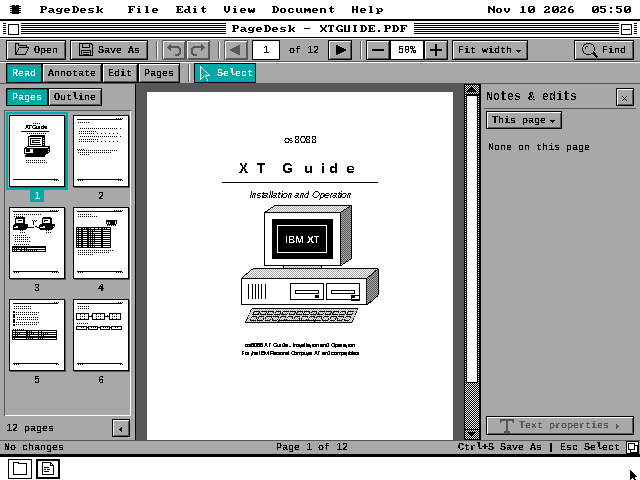
- A plain page on a 4.77 MHz PC, from the double-click
- 49 s
- Pages in one document, at most
- 1,024
- Sample PDFs on the disk
- 8
01 / What a PDF is
What a PDF is
PDF is the format most manuals, papers and forms are handed around in. Adobe published it in 1993, ten years after the IBM PC/XT, so no program of the XT's day could read one. A PDF describes each page as a list of drawing instructions: put this text here in this font at this size, draw this line, place this picture. A reader has to work through those instructions to put the page on the screen.
The file also carries an index of where each part of it starts, so a reader can jump straight to page 400 without reading the 399 before it. That is what makes PDF workable on a machine whose floppy drive reads a few kilobytes a second, and it is how PageDesk turns a page while reading only the parts that page needs.
The format has grown since 1993. Files made since PDF 1.5 in 2003 usually pack that index into compressed blocks, and many carry their own fonts, JPEG photographs or a password. When PageDesk first shipped it read only the older form, and a tool on a modern computer had to rewrite a file before the XT could open it. It now reads them itself.
02 / What it reads
What it reads
Today's files
Compressed indexes and object streams, files that mix the old and new forms, and files whose index is damaged, which PageDesk rebuilds by scanning the file. LZW, ASCII85 and Flate compression.
Passwords
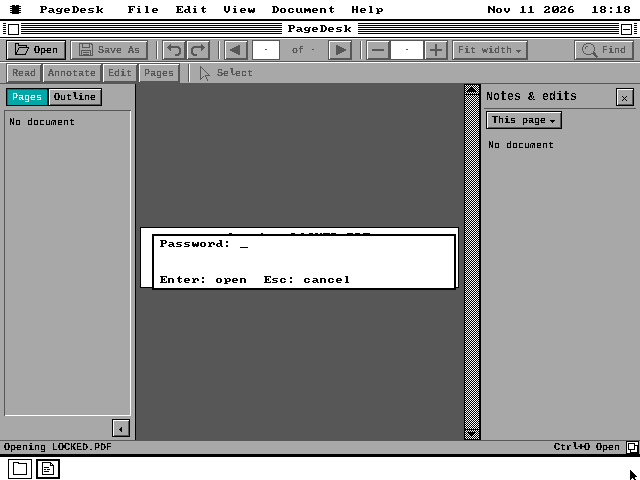
RC4 and AES encryption, up to AES-256. A file that needs a password asks for it. A save is encrypted with the file's own key, so the copy stays locked the way the original was.
Fonts
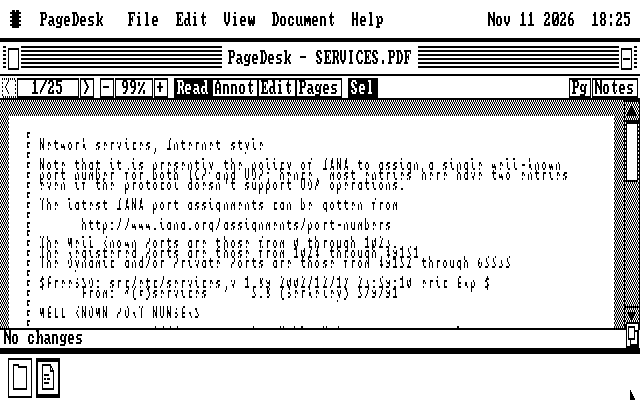
TrueType, Type 1, CFF, CID and Type 3 fonts stored inside the PDF are drawn from their own outlines. Search and Copy use the text the file says each letter stands for.
Pictures and colour
JPEG photographs and JPEG 2000 at a reduced size, JBIG2 and fax-style scans, every PDF colour space, smooth shadings, patterns and transparency, each turned into what the screen can show.
An XT cannot hold all of that at once. The code for fonts, for colour and shading, for pictures and for passwords is kept in separate pieces that PageDesk reads from the disk only when a page needs one, into one shared space. On a machine with memory above 640KB the pieces are kept there after their first use, so the second time is not a floppy read.
03 / Reading and marking up
Reading and marking up
Read
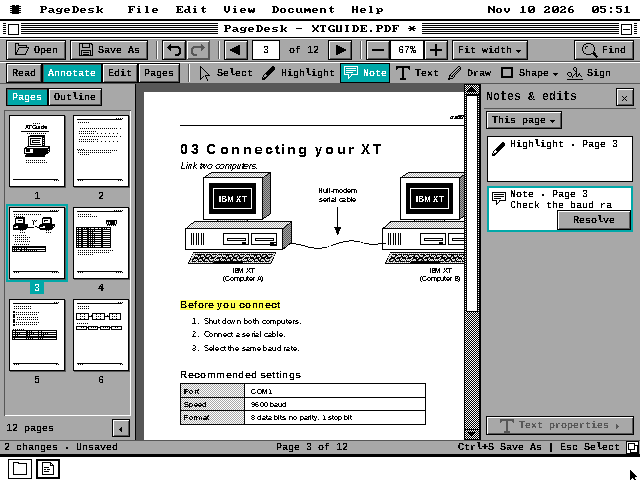
Page with the arrows or the thumbnails, zoom, fit to the width or the page, follow links and the document's outline, and search with Ctrl+F. A search reads one page at a time and can be stopped with Esc.
Annotate
Highlight selected text, pin a sticky note, type in a text box, draw freehand, or add a line, box or ellipse. Each mark gets a card in the Notes and edits panel, where it can be marked resolved.
Pages
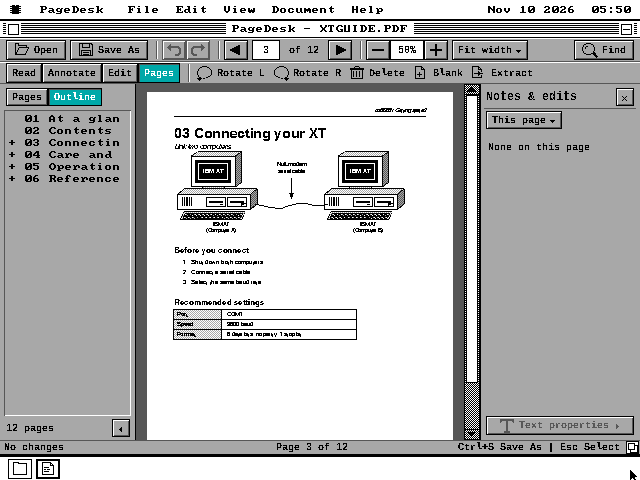
Rotate, delete and duplicate pages, insert a blank one or pages from another PDF, and extract a set of pages to a new file. Every change can be undone until it is saved.
Save
PageDesk never writes into the file it opened. Save As copies it and adds your changes at the end, the way PDF allows, then reads the result back before it renames anything. Other PDF readers open the copy with your marks on it.
04 / Pictures
Pictures
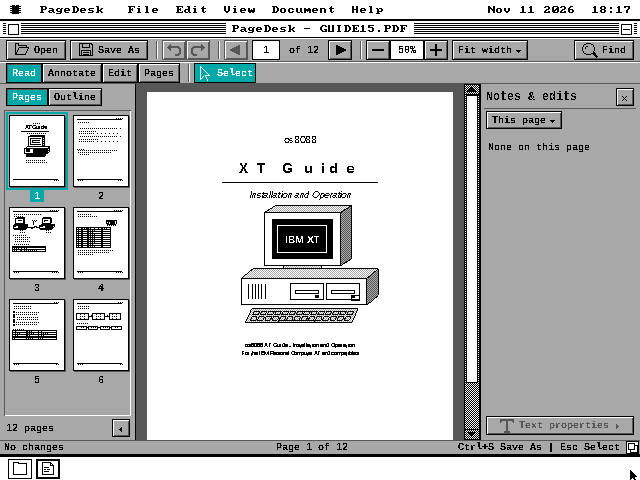
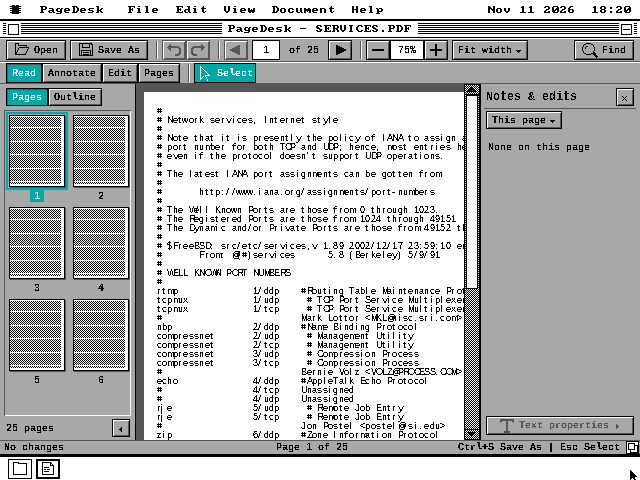
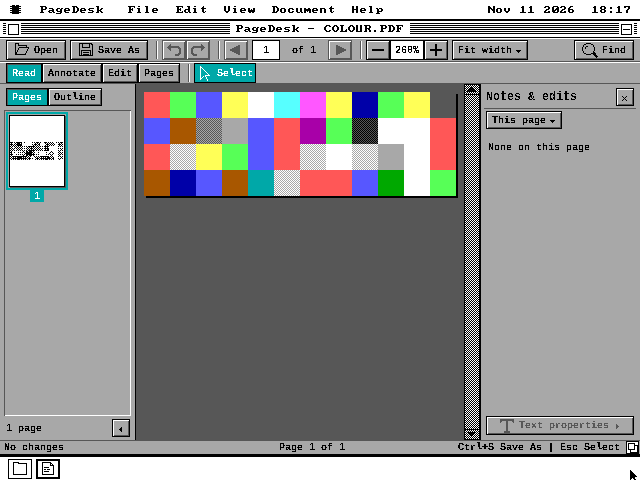
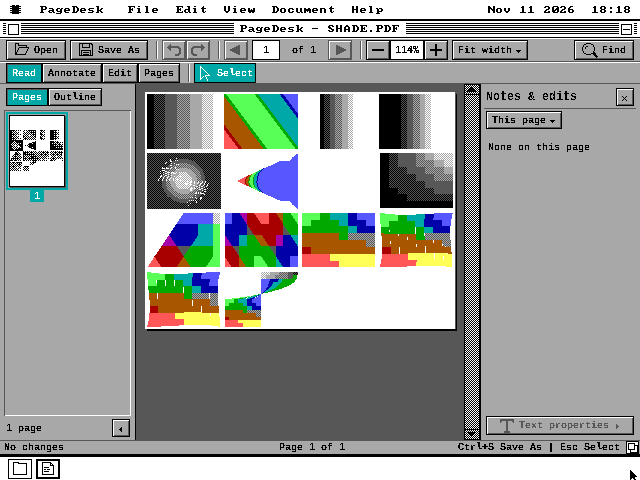
05 / How fast it is
How fast it is
These times were measured on MartyPC, an emulator that runs an IBM PC at its real speed, cycle for cycle: a 4.77 MHz 8088 with 640KB and PageDesk on a 720KB floppy. Each one runs from the double-click on the file to its first page on the screen, and about 30 seconds of it is PageDesk loading from the floppy. The screenshots on this page were taken in QEMU, which is far faster, so they say nothing about speed.
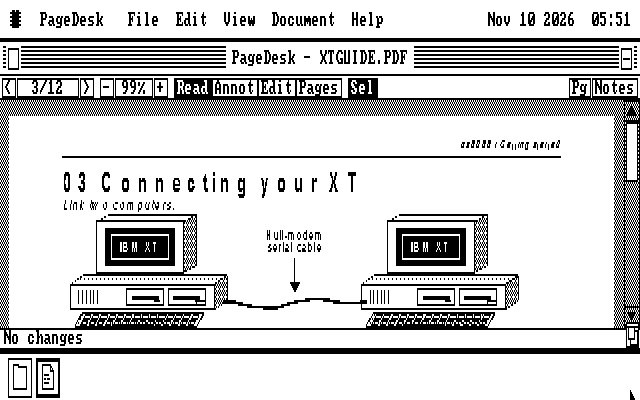
Where two times are given, the first is on CGA and the second on Hercules, the monochrome graphics card from 1982. When PageDesk first shipped, a page turn took 24 to 36 seconds and a search of the guide's 12 pages 87.
| File | Double-click to first page |
|---|---|
| A plain page of text | 49 s |
| The 12-page sample guide | 61-63 s |
| A fax-style (CCITT) scan | 48-51 s |
| JBIG2 text | 52-57 s |
| An AES-128 encrypted file | 70-79 s |
| A JPEG photograph | 85-99 s |
| A JPEG 2000 picture | 97-99 s |
| A page set in an embedded TrueType font | 123 s |
| A macOS print with its own fonts | 268 s |
06 / What it cannot do yet
What it cannot do yet
PageDesk draws as much of a page as it can and says on its status line what it left out. On a 640KB machine a large embedded font may not fit beside the other pieces, so it is drawn in PageDesk's own face instead. A coloured mark under transparency is drawn in grey, a coloured pattern of more than 40 tiles is drawn as flat grey, and Chinese, Japanese and Korean text has no face to draw in.
Some files are slow on an XT. While a JPEG 2000 picture decodes, the keyboard can wait up to a minute. A file encrypted with the newest AES-256 method takes about 21 minutes to unlock on an 8088, so PageDesk asks first, and Esc cancels.
It does not fill in forms, verify signatures, open files locked to a certificate, or print; os8088 has no printing. The Python tool in the source repository, tools/os88pdprep.py, is still there for a file PageDesk draws too slowly, but a PDF no longer has to go through it.
07 / Run PageDesk
Run PageDesk
Download the release zip and boot the system disk for your disk size in drive A.
Put the PageDesk disk in drive B. In the zip it is in
PROGRAMS/PAGEDESK, one image per disk size. At 360KB it is two disks: the program on the first and the sample PDFs on the second. PageDesk is also on the everything sets and the live USB and CD.Copy any PDF to a floppy and double-click it, or open
PAGEDESK.O88and press Sample guide, which opens a guide to PageDesk itself. A file with a password asks for it.Keep your changes with File > Save As. Saving under the file's own name asks before it replaces it.