Spotlight › VESA
A desktop at 1024 by 768
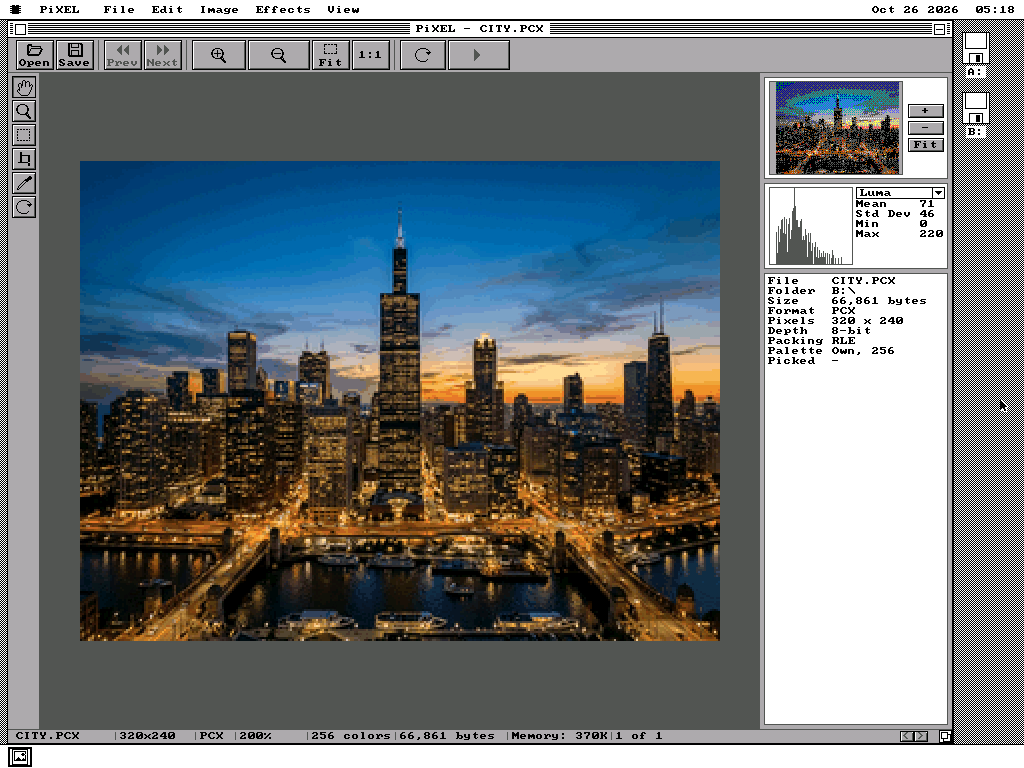
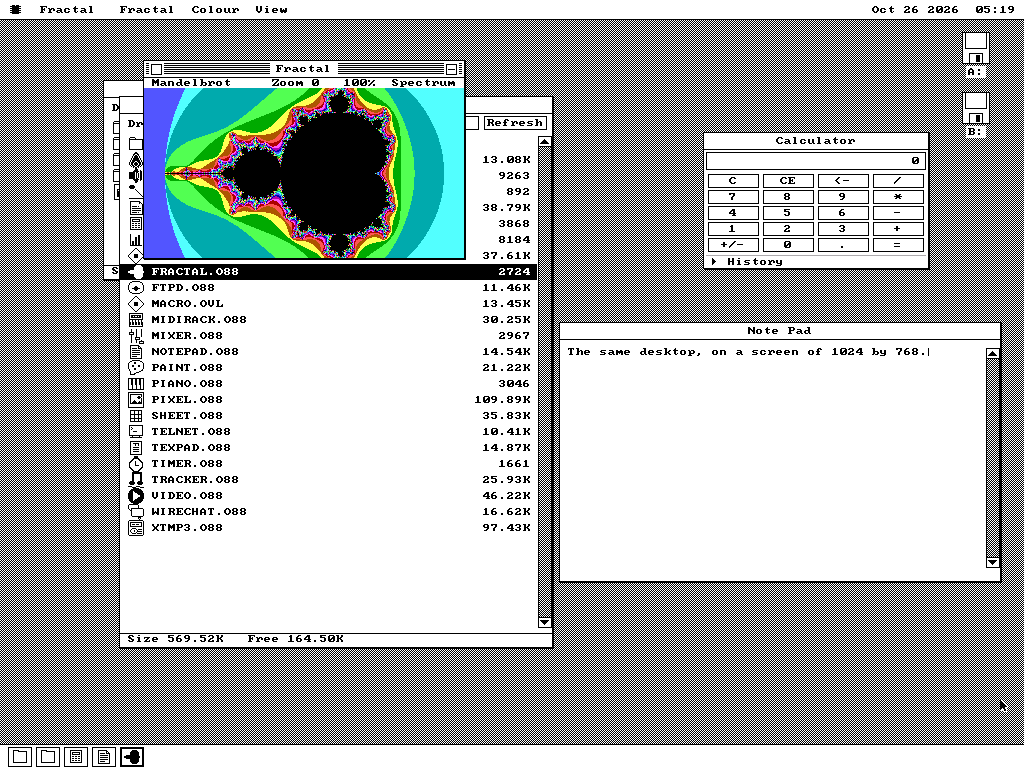
VESA.DRV puts the os8088 desktop on a graphics card's high-resolution screens, up to 1024 by 768 pixels, on any card with a VESA BIOS. The desktop keeps its sixteen colours. A picture viewer can show a photograph in up to 65,536.
- largest screen
- 1024 x 768
- colours for a picture
- 65,536
- of a fill spent switching banks
- 0.2%
What VESA is
A 1989 standard for asking a graphics card for more than VGA offers.
Bigger screens, and no common way to ask for them
IBM's VGA, from 1987, gives a PC a screen of 640 by 480 pixels in 16 colours. The cards that followed it carried more memory and could show 800 by 600, 1024 by 768 and thousands of colours. Every maker switched those screens on in its own way, so a program needed a separate driver for each card.
The Video Electronics Standards Association fixed that in 1989 with the VESA BIOS Extensions, usually shortened to VBE. A card with VBE carries a small program in its own memory chip that answers the same questions on every brand: which screens can you show, how is each one laid out, and switch to this one. The cards that carry it came in 286, 386 and 486 PCs. The emulated cards in QEMU and in 86Box carry it too.
Looking through a 64KB window
os8088 runs the processor the way the original IBM PC did. In that mode the screen's memory is reached through one 64KB opening in the address space. That is enough for VGA's 16-colour screen. It is not enough for a 1024 by 768 screen with two bytes a pixel, which is 1,572,864 bytes.
So the card lets software slide the opening along its memory, one 64KB bank at a time. A row of that screen is 2,048 bytes and fits in one bank. Filling the whole screen moves the opening 24 times. VESA.DRV works out which bank each row lands in and moves the opening only when a row crosses into the next one.
Newer cards can also show the whole screen at a single address above the first megabyte. os8088 does not use that. The original PC's mode cannot reach that address, and the tricks that can need a 386 and stop working every time os8088 switches between tasks.
Sixteen colours, and a picture at full depth
Why the desktop does not change colour, and how a program gets past that.
Every part of os8088 names a colour by a number from 0 to 15. The windows, the menus, the icons and every program written for it do. Allowing more colours there would mean rewriting the drawing code and every program.
So the desktop keeps its sixteen colours on any screen, and the driver translates each one as it draws. On a 256-colour screen the card's first sixteen palette entries are set to the VGA's own colours. On a 65,536-colour screen each of the sixteen becomes the matching 16-bit colour value. White stays white and black stays black.
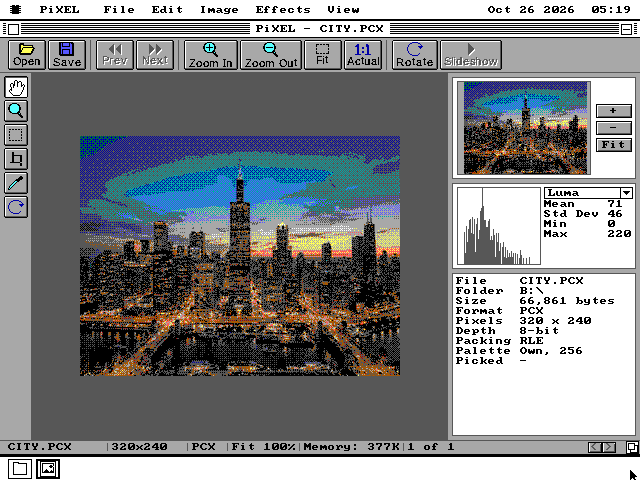
A program that wants more colour gets one new system call. It hands over pixels already in the screen's own format, and the driver copies them to the screen. PiXEL, os8088's picture viewer, is the first program to use it. On a 65,536-colour screen it draws a picture with every colour the file has. On a 256-colour screen it keeps to the sixteen: the picture's own palette has 256 entries, and the desktop's sixteen leave 240 free.
On the screen
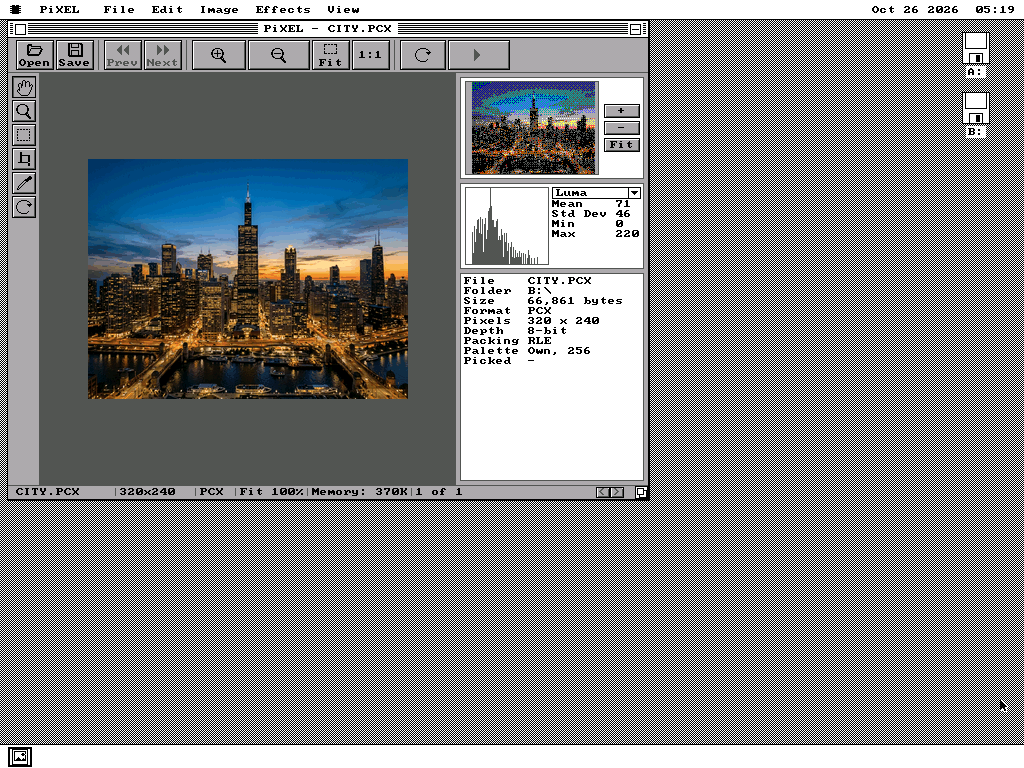
Where you switch it on, and what programs look like with the room.
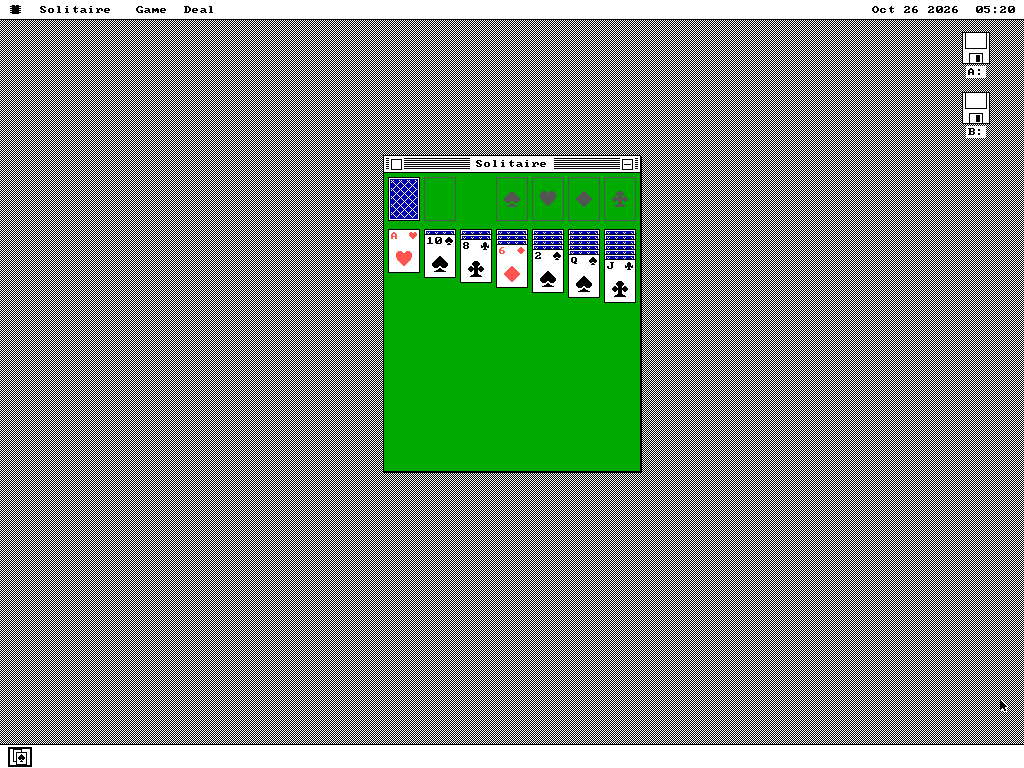
How it works
A driver file does the drawing; the system itself barely changes.
One check per drawing routine
Each of os8088's drawing routines starts by checking one byte: is the VESA display in use? If not, it carries on as before. If it is, it hands the work to VESA.DRV, which draws the same rectangle, letter or icon in the card's format.
Everything that knows what VBE is lives in that one file. The system carries 942 bytes for it, measured when the feature was built. The small system for 128KB machines carries none of it.
The biggest screen the card has
When it loads, the driver asks the card for its list of screens. It keeps up to 16: 640 to 1024 pixels wide, 400 to 768 tall, at 256 or 65,536 colours. It needs VBE version 1.2 or later. A card older than that is refused and the desktop stays as it was.
By default it takes the largest screen, and the one with more colours when two are the same size. On QEMU that is 1024 by 768 at 65,536 colours. A screen you chose is kept. If the disk is moved to a card without that screen, the driver takes the largest one instead.
Drawn from the mouse itself
The arrow is redrawn every time the mouse reports a movement, in the middle of whatever else the machine is doing. At 65,536 colours the patch of screen saved under it is 512 bytes, against 192 on the VGA, so the driver keeps that patch itself.
Moving the arrow into the next bank means calling the card's BIOS. That call needs more room on the mouse handler's private stack, which grew from 128 bytes to 256.
Where the time goes
Measured on 86Box's emulated 486DX2 at 66 MHz with a Cirrus Logic CL-GD5428 card, at 1024 by 768 and 65,536 colours. One bank switch through the BIOS takes 7.0 microseconds. Filling an area 624 by 200 pixels takes 23.3 ms and crosses seven banks, so the switching is 0.2% of the time. The rest is the card's bus taking 10.7MB a second.
A picture handed over in the screen's own format draws 5.3 times faster than the same picture in sixteen colours, which has to be unpacked a pixel at a time. A row of 78 characters of text takes 5.5 ms. These are the emulator's figures for that machine; no real card has been measured yet.
What it does not do
Some of these are choices, and some are things nobody has been able to test yet.
- No 24-bit or 32-bit colour. A three- or four-byte pixel would make a full 1024 by 768 screen 3MB to move through a 64KB opening. The driver offers 256 and 65,536 colours only.
- Nothing above 1024 by 768.
- Hibernate is greyed while the desktop is on the VESA screen. The menu item reads Hibernate (VESA). A saved image would wake into a display that might have no driver to draw it.
- No two-monitor desktop with it. Extending the desktop onto a second card is refused while the VESA screen is the main one.
- Not for an IBM PC or XT. The driver is written for the same 8086 processor as the rest of os8088, but VESA cards came with later machines, and the XT-class machines os8088 is tested on have none. The small system for 128KB machines does not include it.
- No real card has been tried. It has run on QEMU's emulated card and on 86Box's emulated Cirrus Logic card. A real card, and a card with a 15-bit colour screen, would be the first of each.
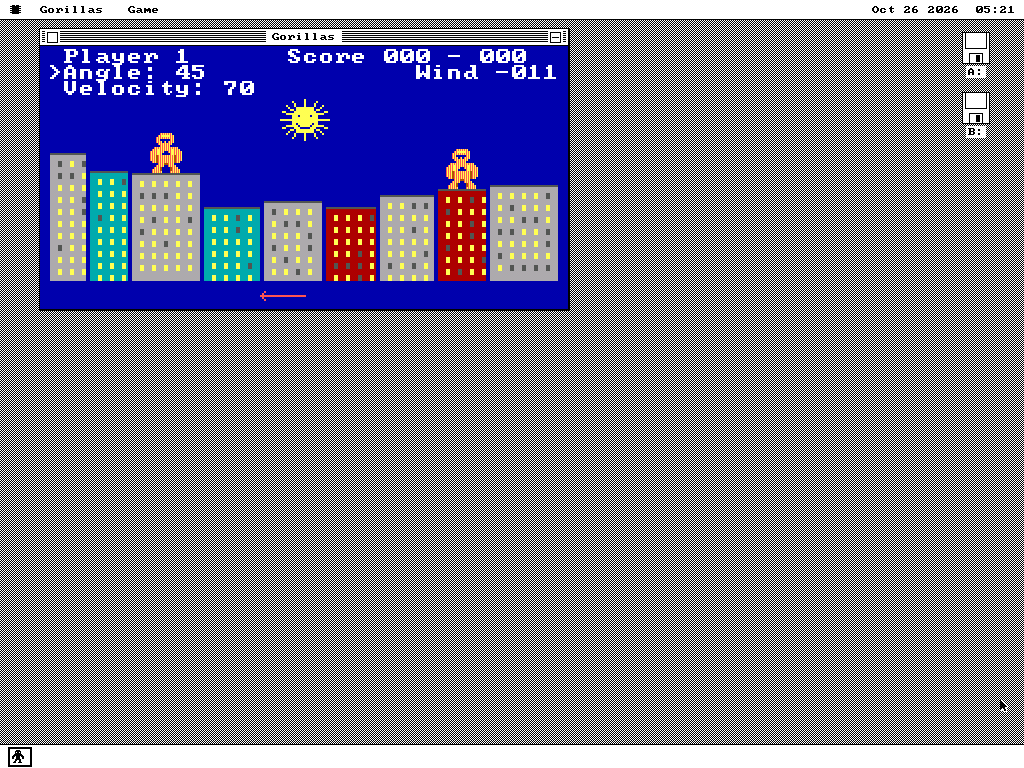
Full-screen programs still work. A game that switches the card into one of the VGA's own modes, such as Gorillas in full screen, comes back to the VESA desktop when it leaves full screen. The contract for all of this is section 120 of the os8088 specification.
Try it yourself
QEMU's standard graphics card has a VESA BIOS, so any os8088 system disk will do.
-
Boot os8088 in QEMU with the system disk and the apps disk from a release. QEMU's default graphics card is the one you want:
qemu-system-i386 -machine pc,vmport=off \ -drive file=os8088.img,format=raw,if=floppy -boot a \ -drive file=apps.img,format=raw,if=floppy,index=1 \ -chardev msmouse,id=m0 -serial chardev:m0 -
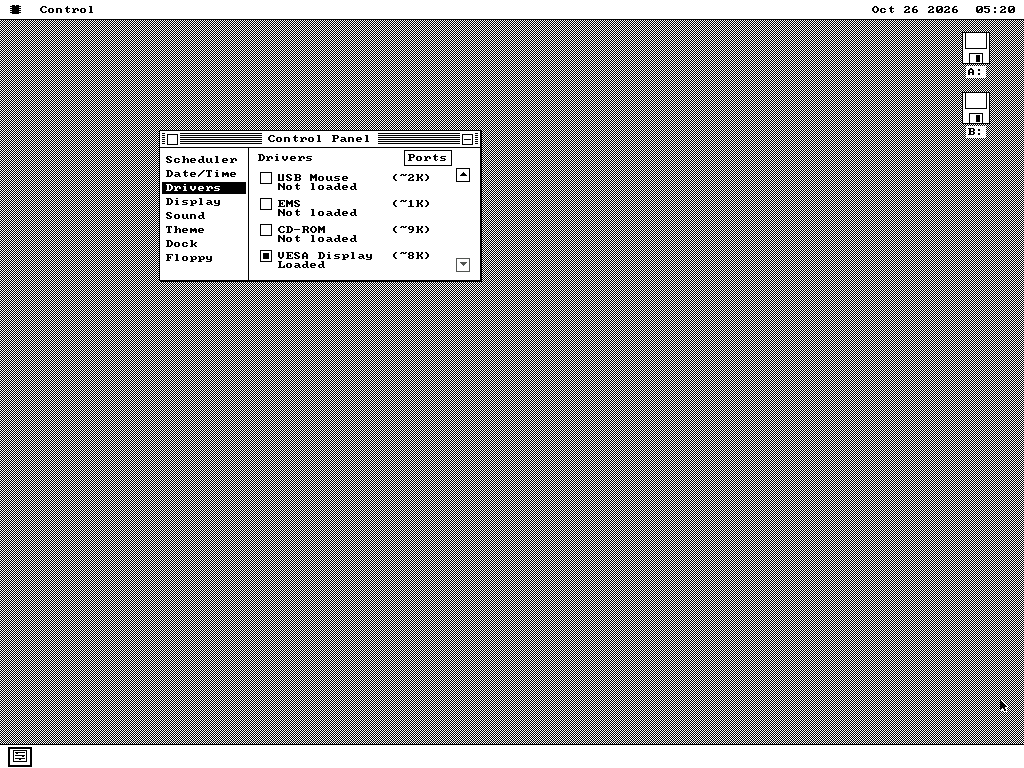
Open the Control Panel from the menu under the chip logo, choose Drivers, scroll down the list and tick VESA Display. The desktop moves to the largest screen the card offers, and does so at every start while the tick is set.
-
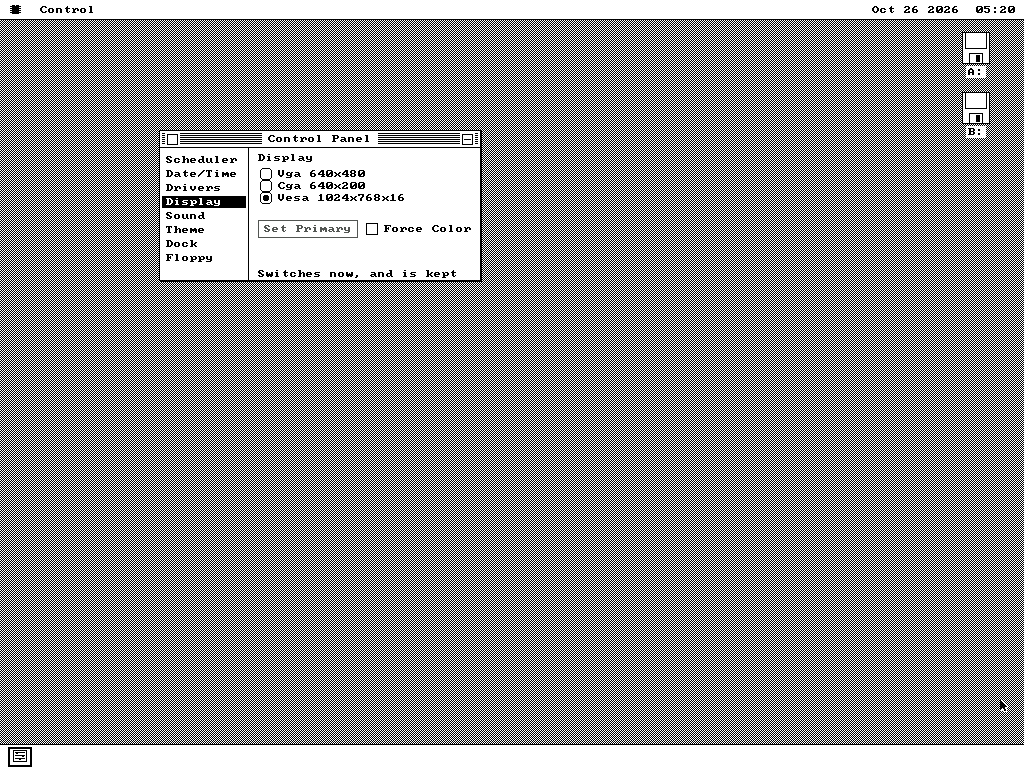
Choose a different screen on the Display page if you want one. Click the Vesa row while it is selected to step through the screens, then press Set Primary. The choice is kept.
-
Open a picture in PiXEL on a screen ending in x16 to see it at full colour.
Building from source? make 486-vesa-desk starts 86Box's
486 with the Cirrus Logic card on the VESA desktop, and make vesatest builds
the disks the screenshots on this page were taken from.